Blog
What's new
Product updates, one feature at a time. Each post links to the help guide for it.
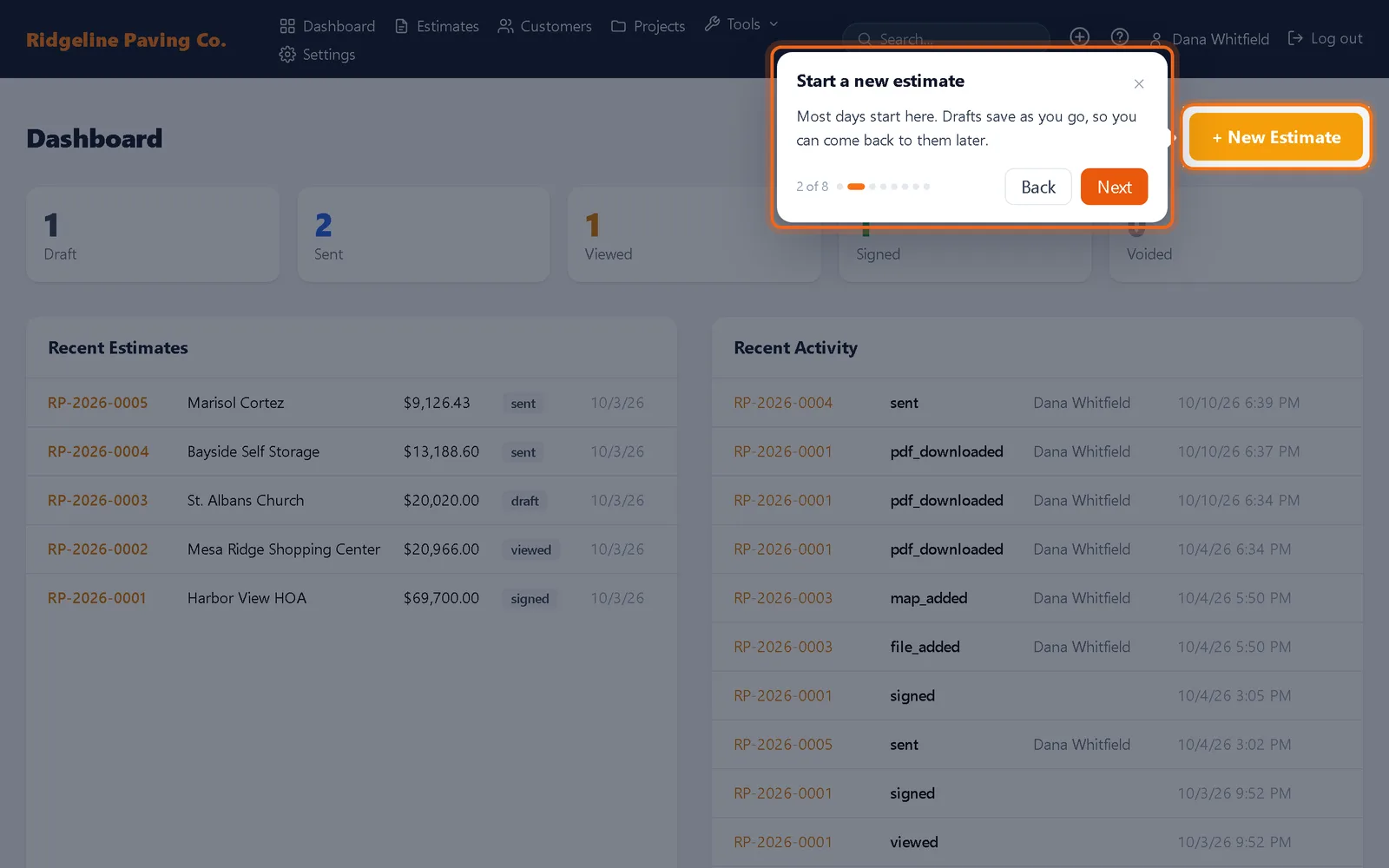
A help center and guides inside the app
Step by step help articles with screenshots for every part of Bid & Sign, plus short guides that show you around each page the first time you open it.
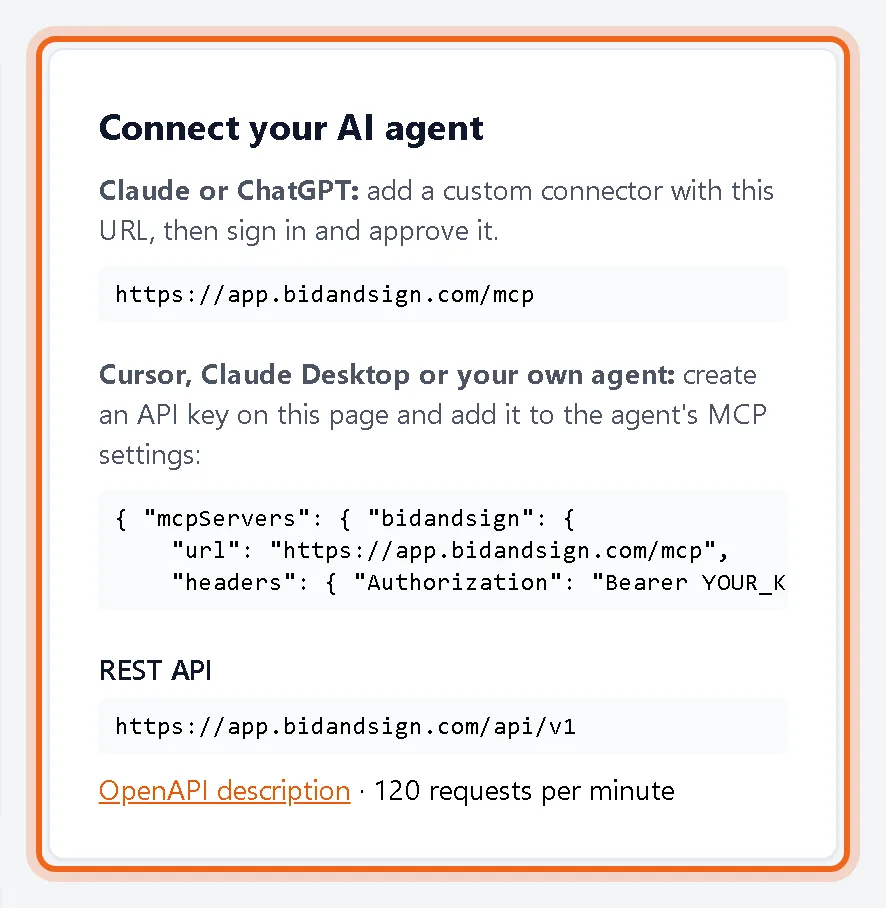
Connect your AI agent to your estimates
Claude, ChatGPT, Cursor and other AI agents can now look up customers, read estimates and create drafts in Bid & Sign through a connector you control.
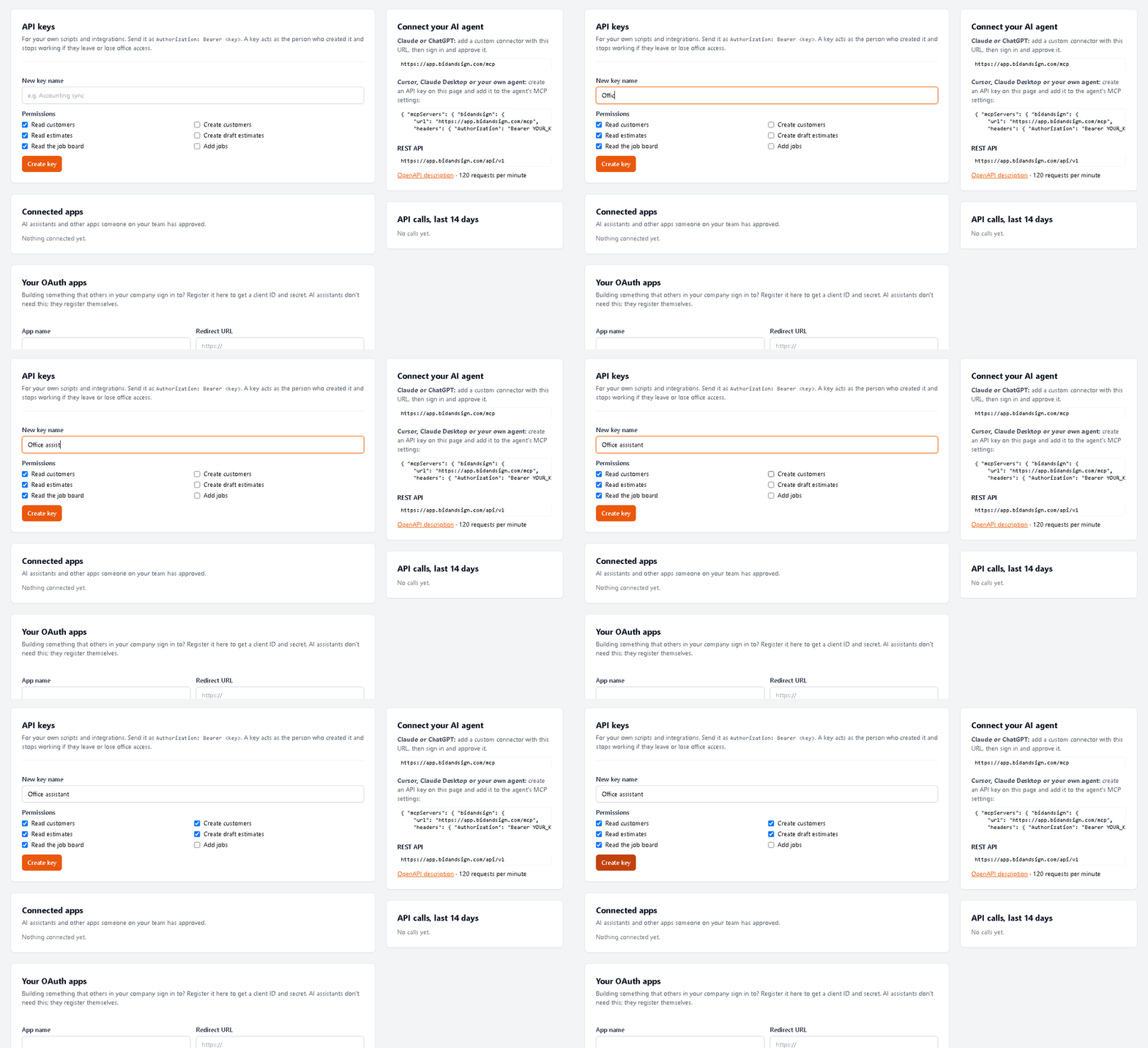
A REST API for your own software
Read customers and estimates and create drafts from your own tools with the Bid & Sign REST API, API keys and OAuth apps.
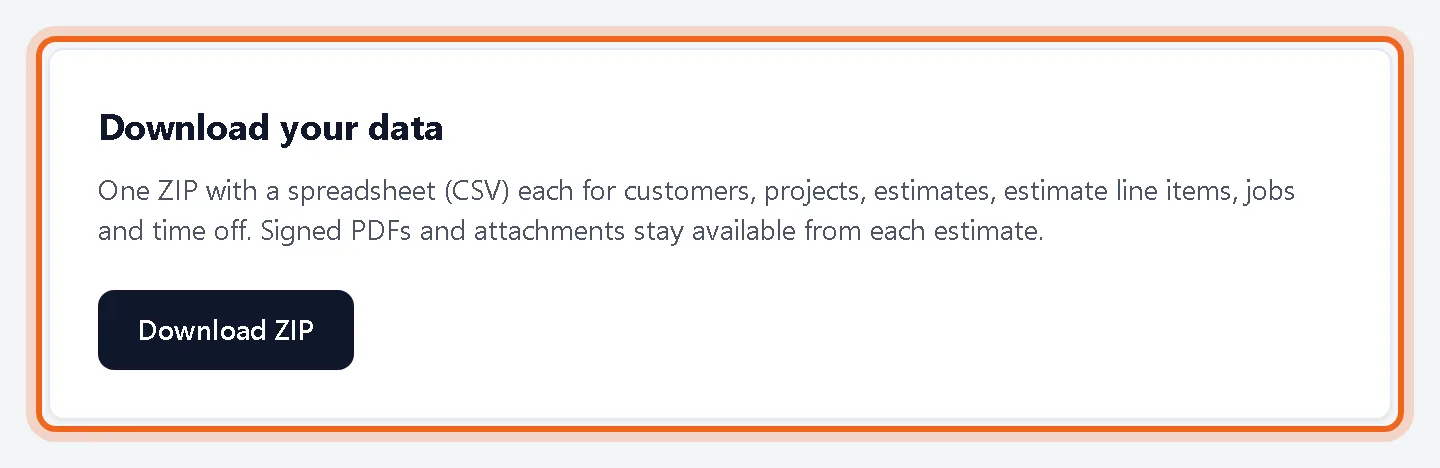
Export everything, any time, and see who did what
Owners and admins can download a ZIP of all customers, projects and estimates, and search a full activity log of the team.
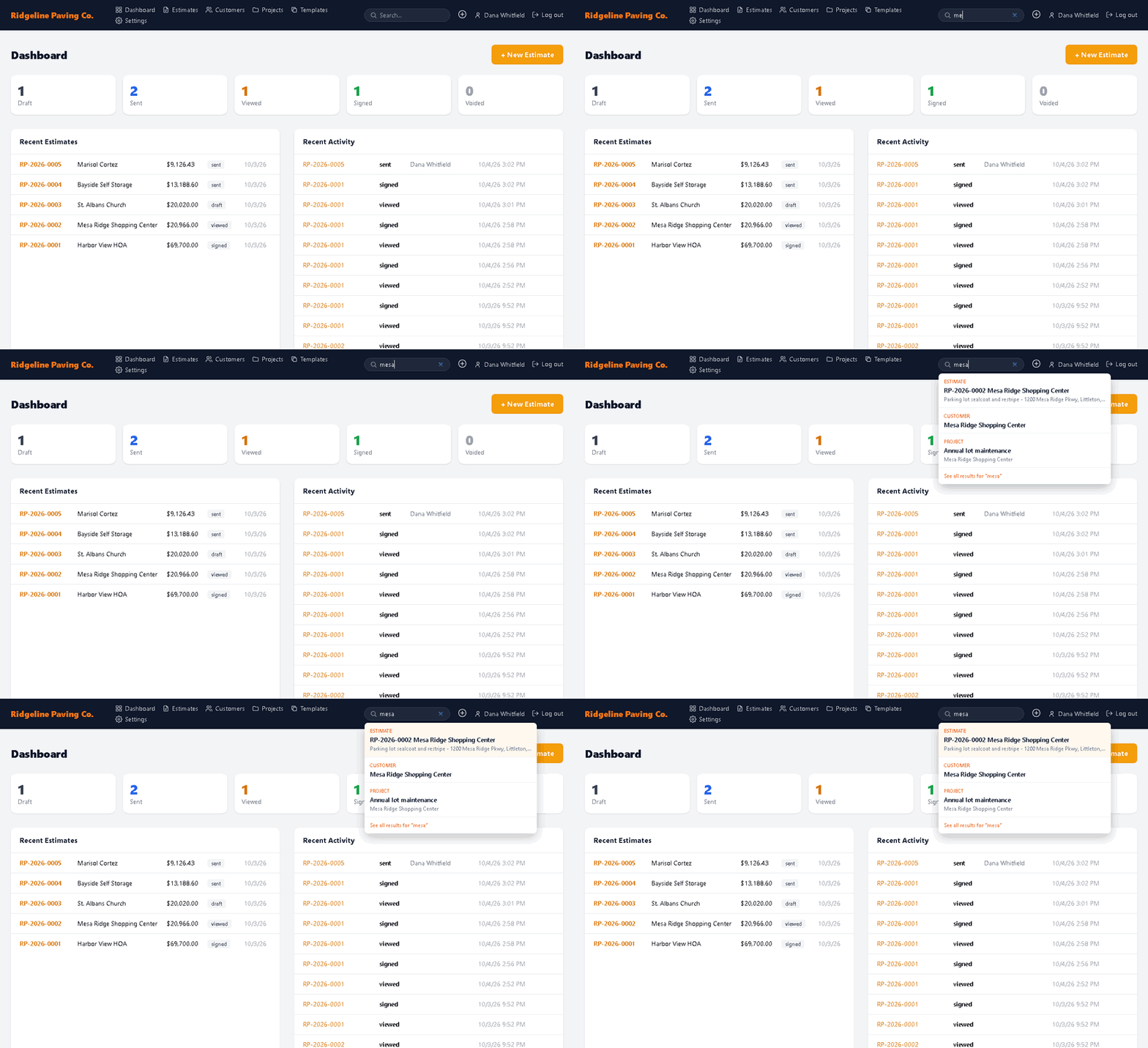
Search from anywhere in the app
Type a customer, estimate number, phone or street into the top bar on any page and jump straight to it.
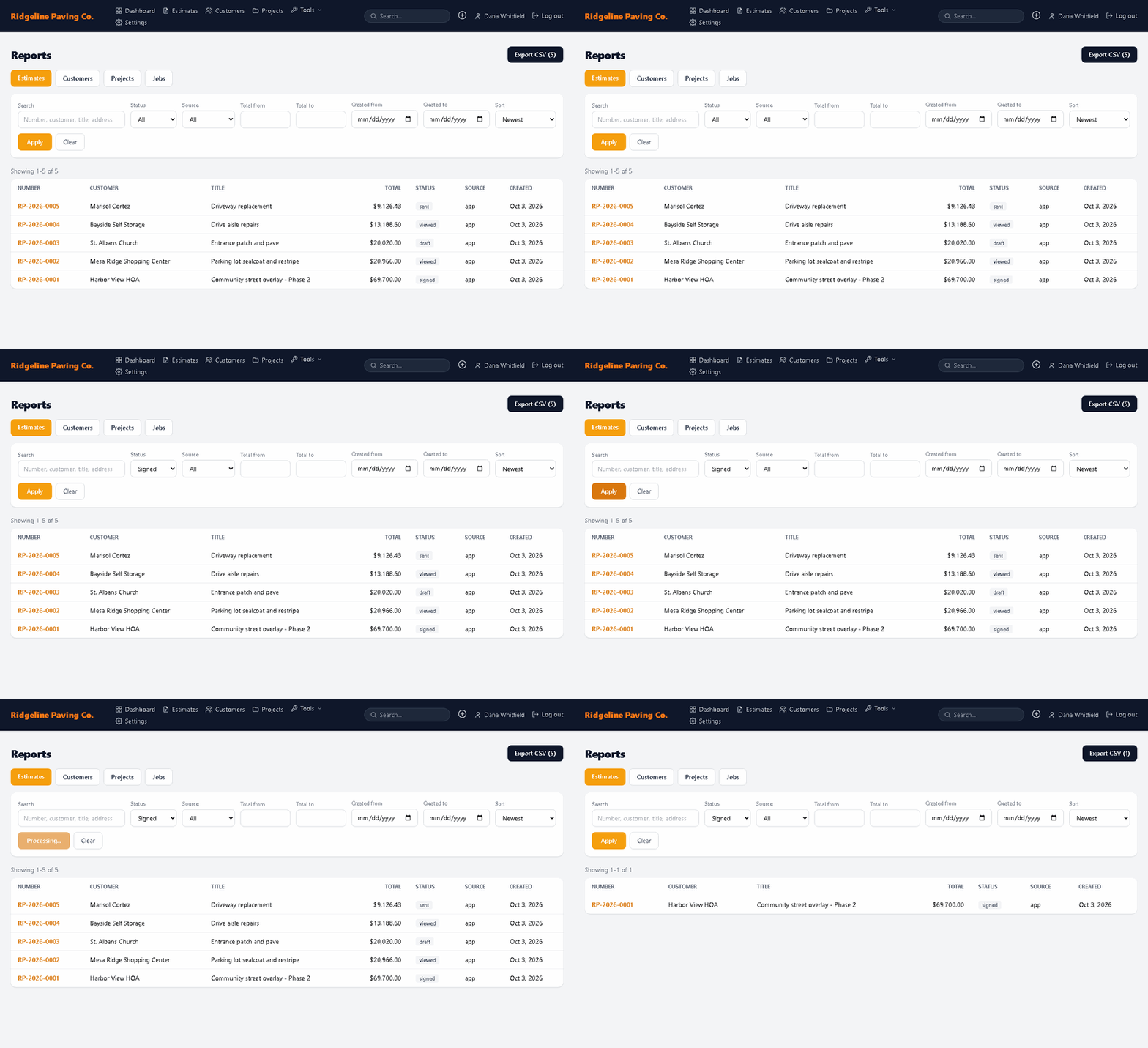
Reports you can filter and export
Filter estimates, customers and projects by status, source, totals and dates, then export the list to CSV for your accountant or a pipeline review.
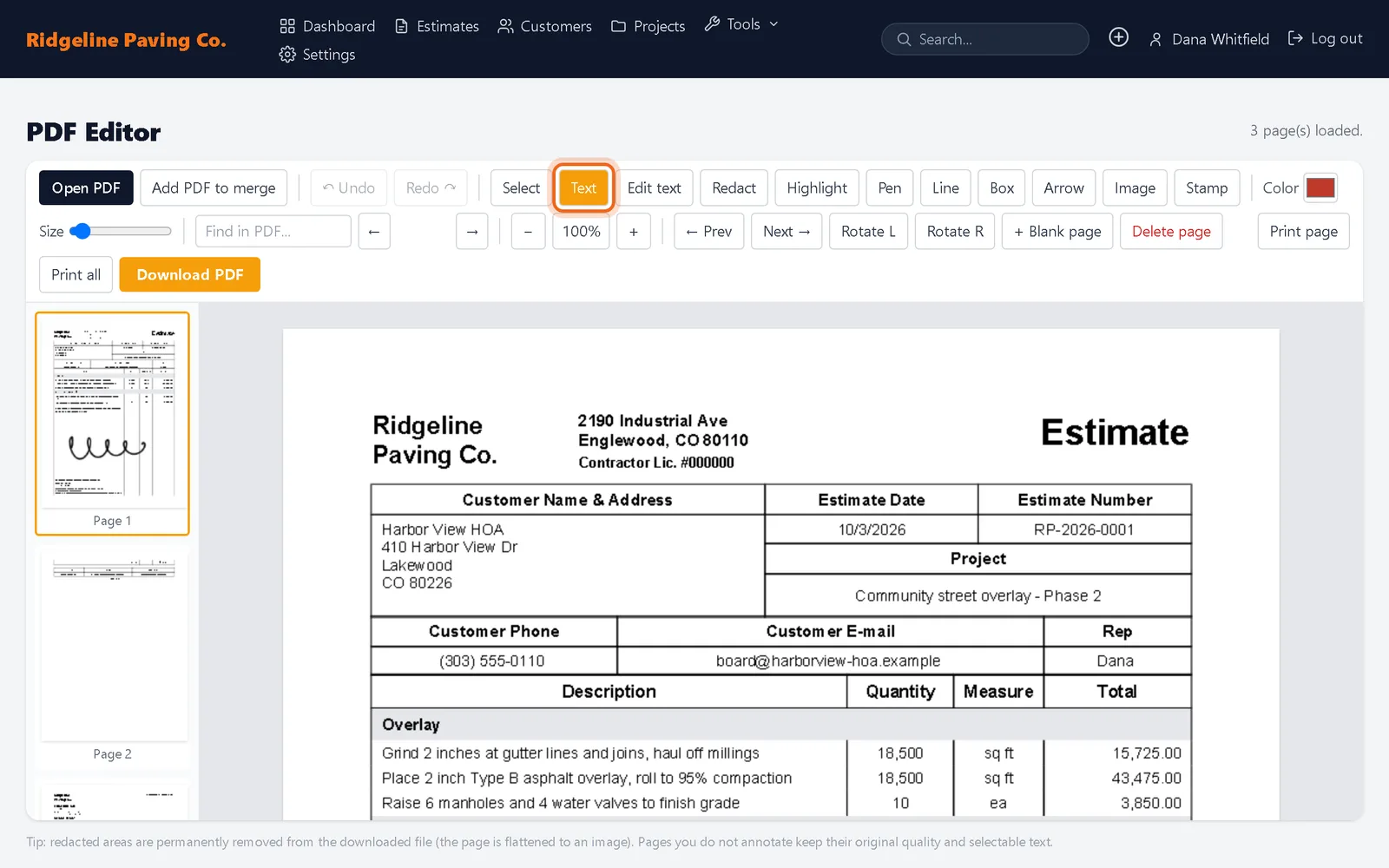
Edit, redact and merge PDFs in your browser
Add text and stamps, redact, highlight, merge files and rotate pages in any PDF without uploading it or buying another app.
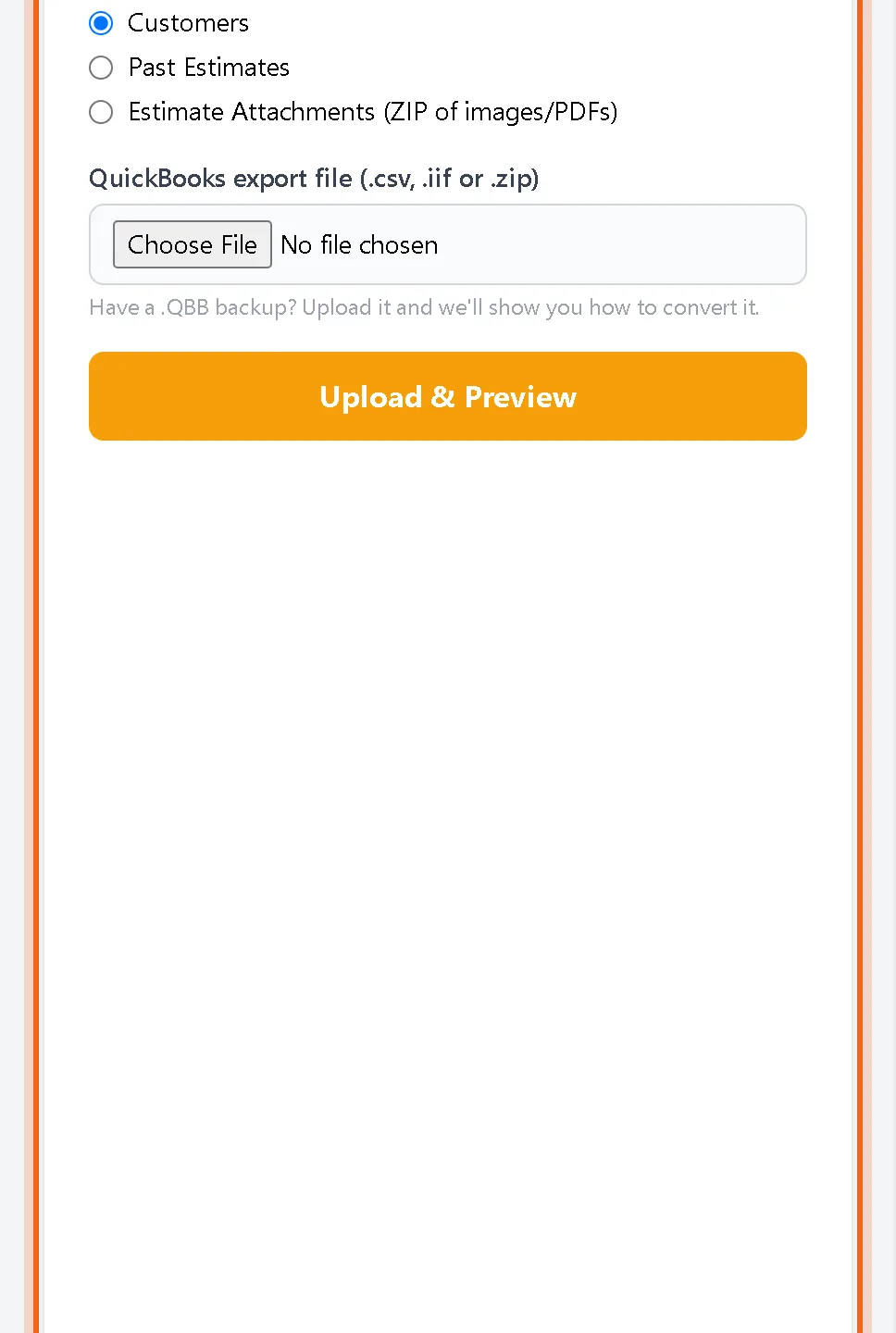
Bring your customers and old estimates from QuickBooks
Import your QuickBooks Desktop or Online customer list, past estimates and their attachments in a few minutes, without duplicates.
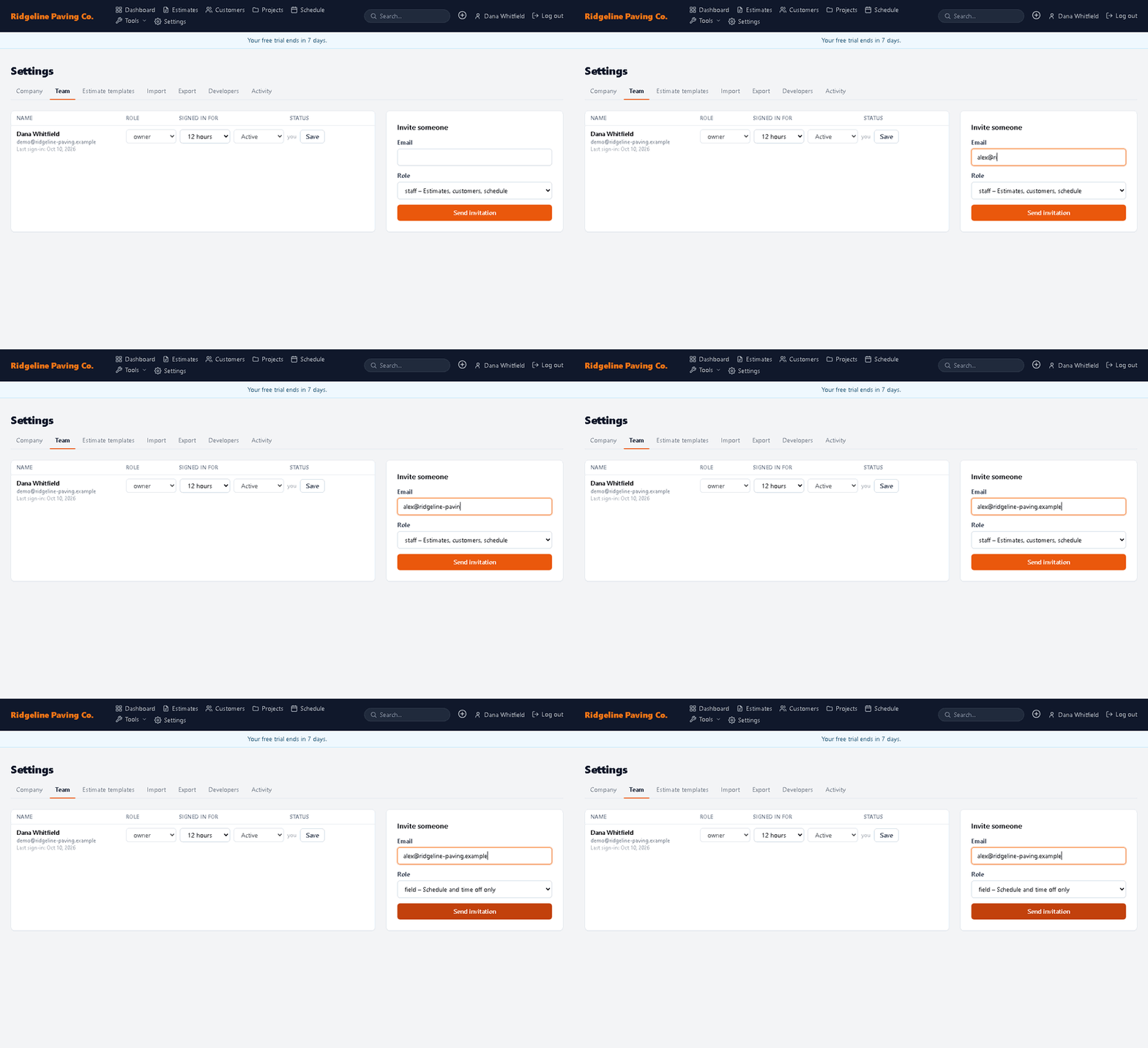
Invite your team with the right access
Invite estimators, office staff and crew members by email and give each one a role that fits their job.

Photos and PDFs that print with the estimate
Attach photos and PDFs to any estimate. They print as extra pages and show on the page your customer signs.
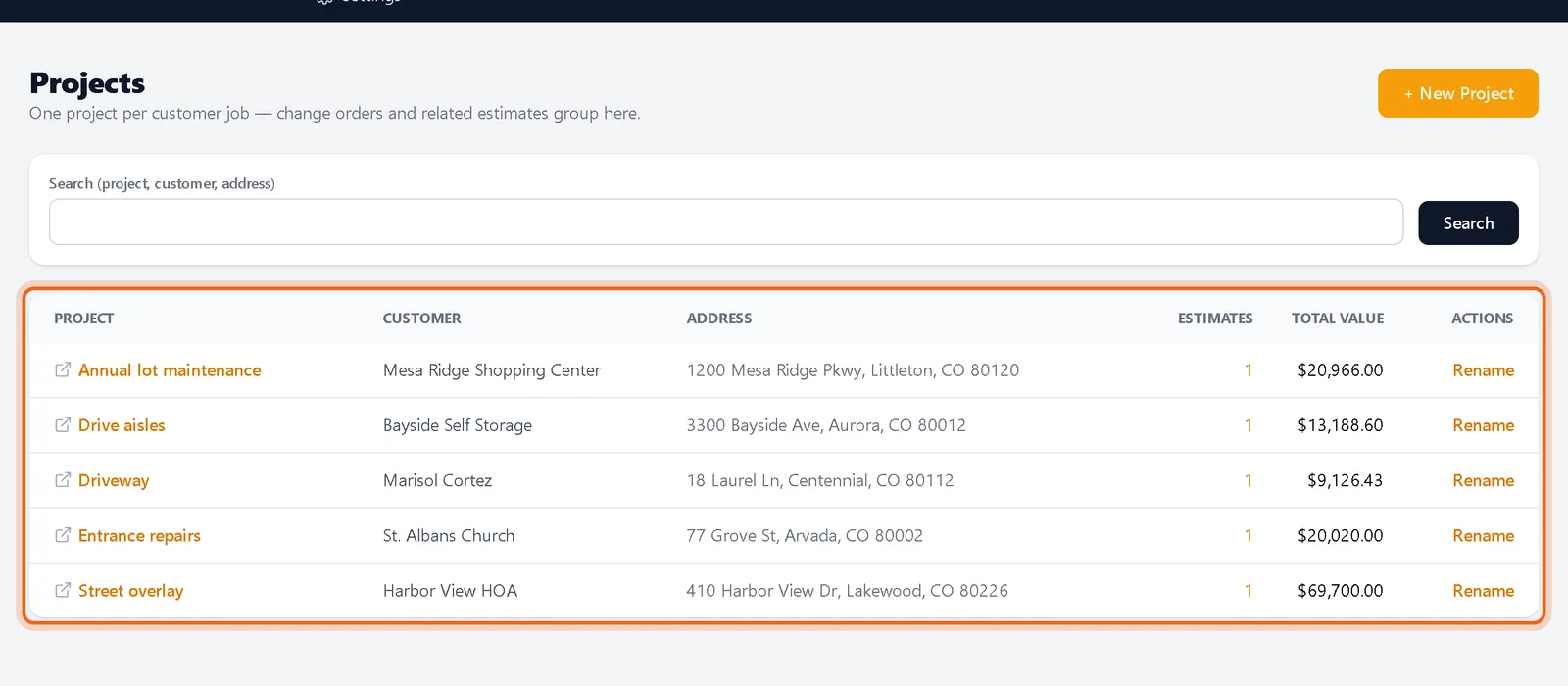
Every bid grouped by customer and job
Customers and projects keep the original bid, change orders and repeat work together, so you can see a customer's whole history at once.
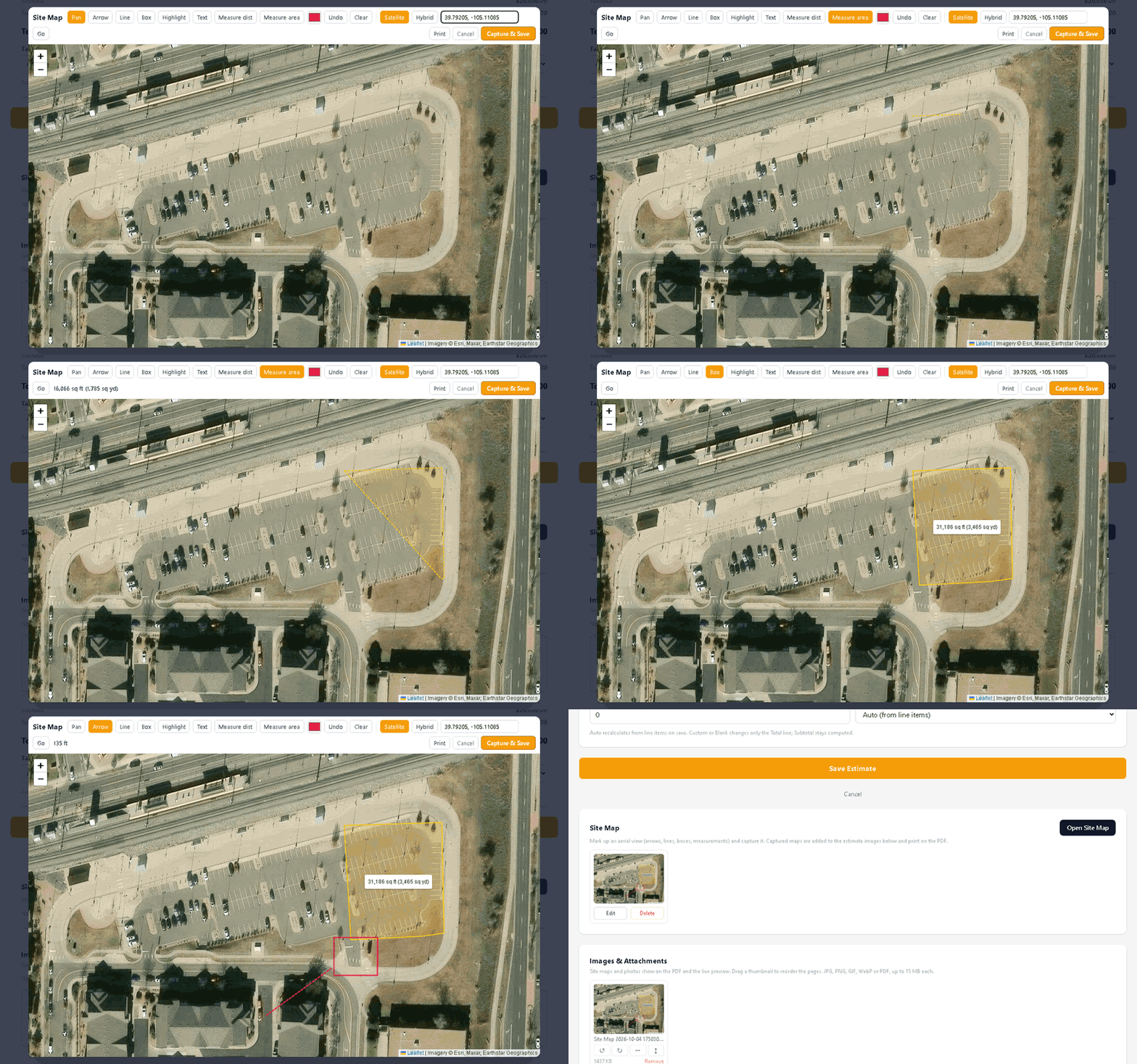
Measure the lot on an aerial map
Draw areas, lines and measurements on an aerial view of the job and attach the marked up map to the estimate.
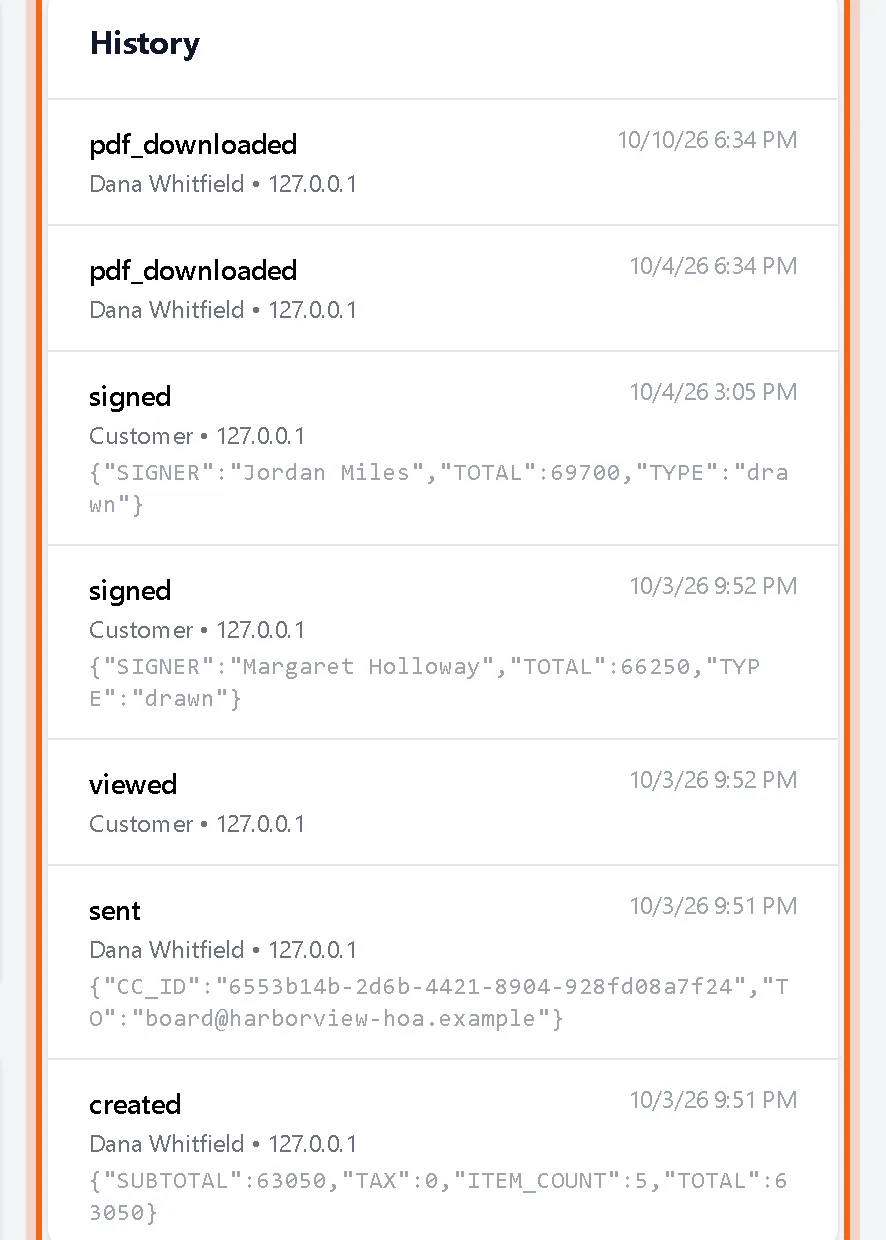
Know when your customer opens the estimate
See when an estimate was sent, opened and signed, with a full history and the status of every email.
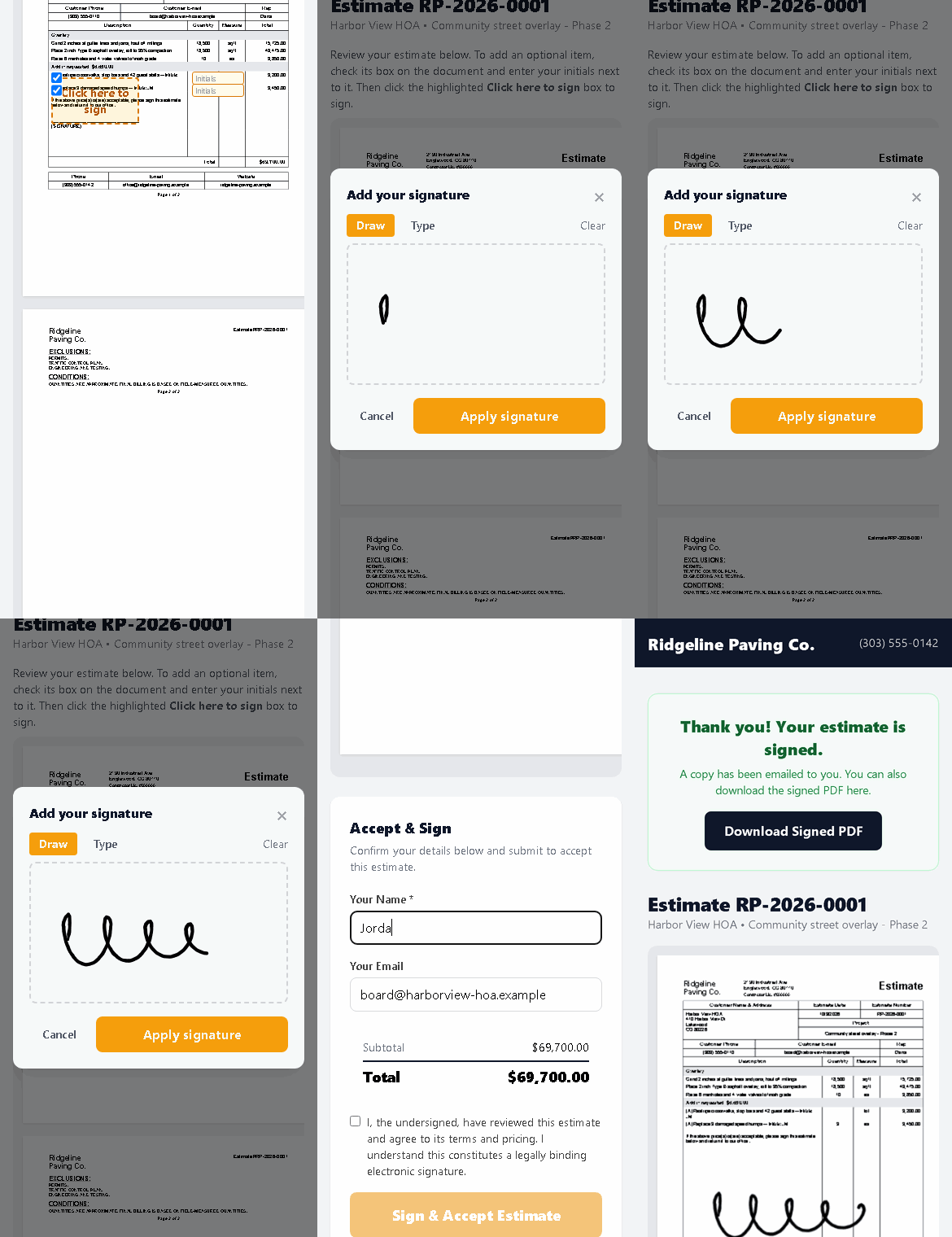
eSignature that works on any phone
Customers open the estimate from their email, tap the highlighted box and sign with a finger. No account, no app, no printing.
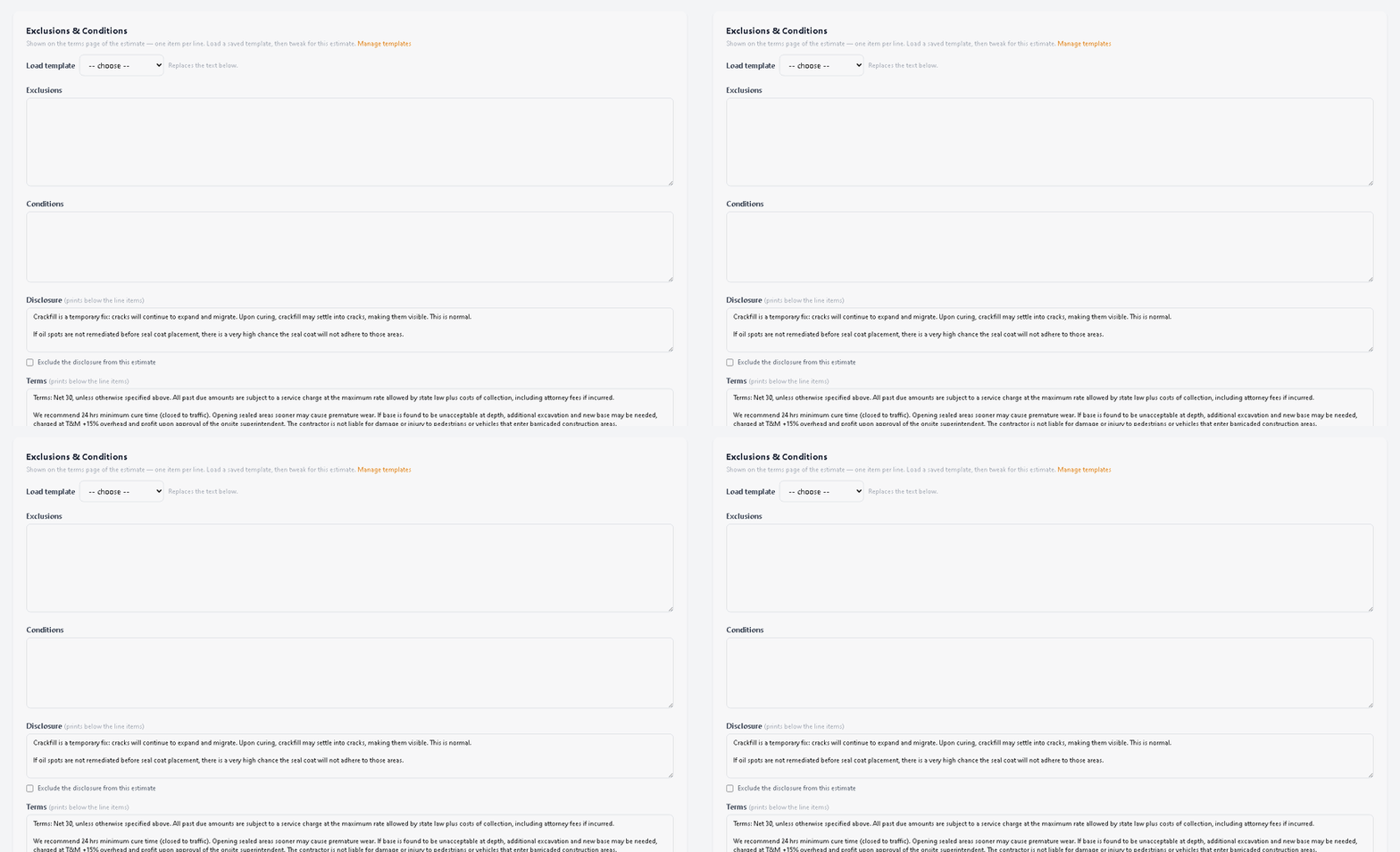
Write your exclusions once
Save exclusions, conditions, disclosures and payment terms as templates and load them into any estimate in one click.
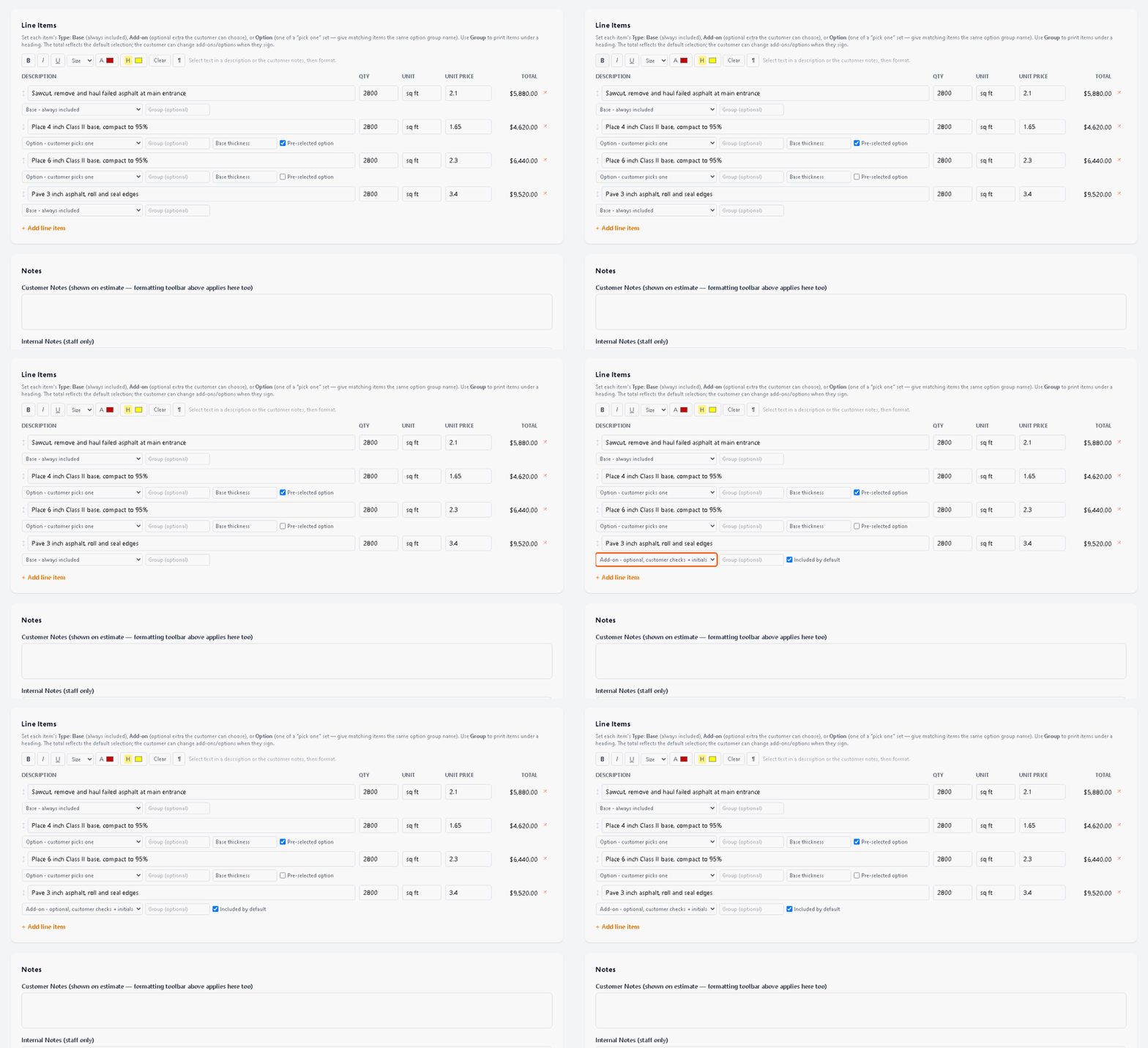
One estimate with options instead of five versions
Offer base work, optional extras and pick one choices on a single estimate. Customers choose and initial what they want when they sign.
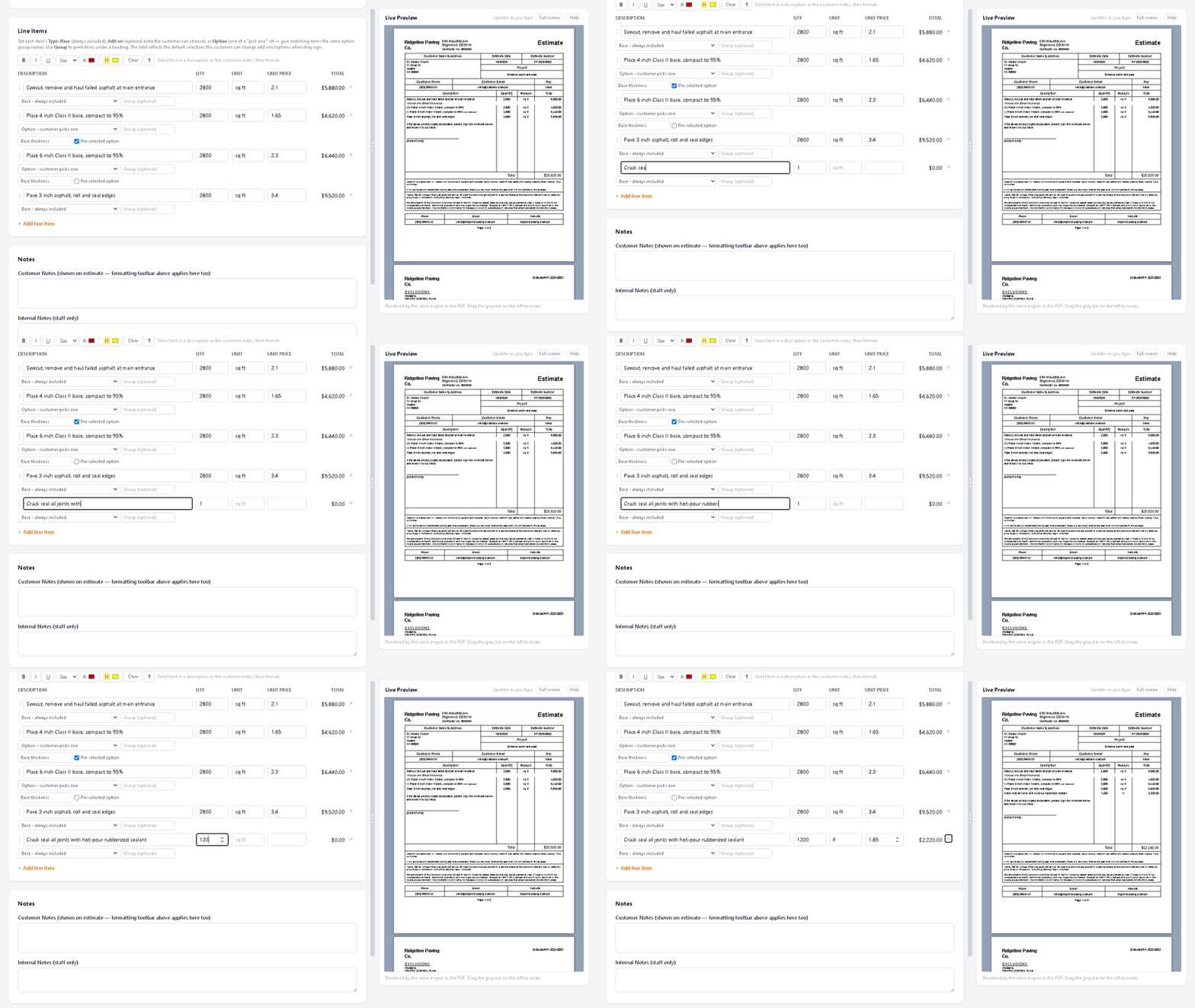
Watch the PDF build while you type
The estimate editor now shows the real branded PDF beside your line items and updates it as you type.

Introducing Bid & Sign
Estimates and eSignatures for contractors in one place: build the bid, send it and get it signed from any phone.