Connect your AI agent to Bid & Sign
Your AI agent can look up customers, read estimates and create drafts for you to review. You choose exactly what it can do and can turn it off at any time.
Updated
-
1Create an API key
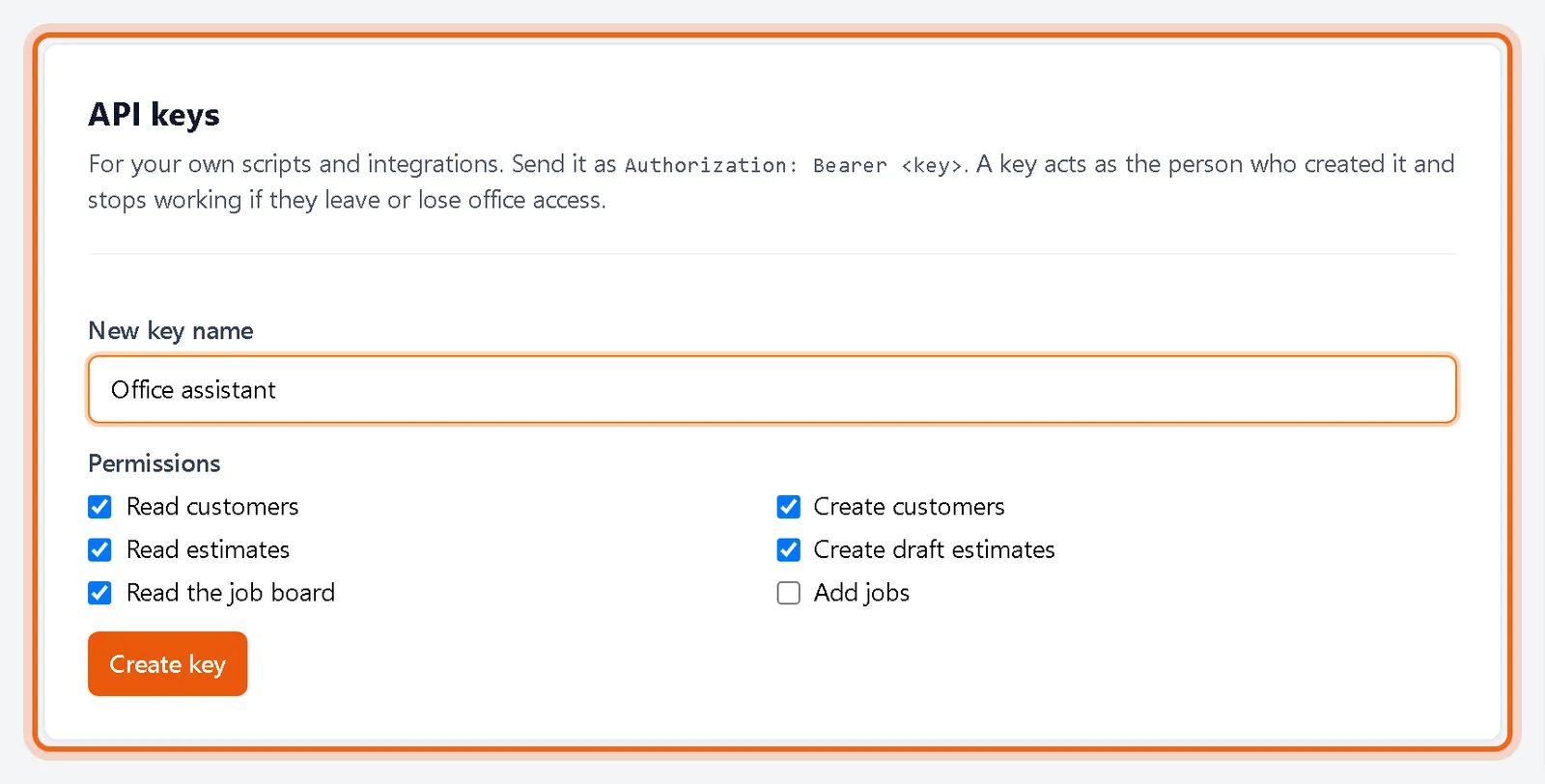
Open Settings, then Developers. Name the key, check only the permissions it needs and click Create key. Copy the key now. It is shown once.
Watch it 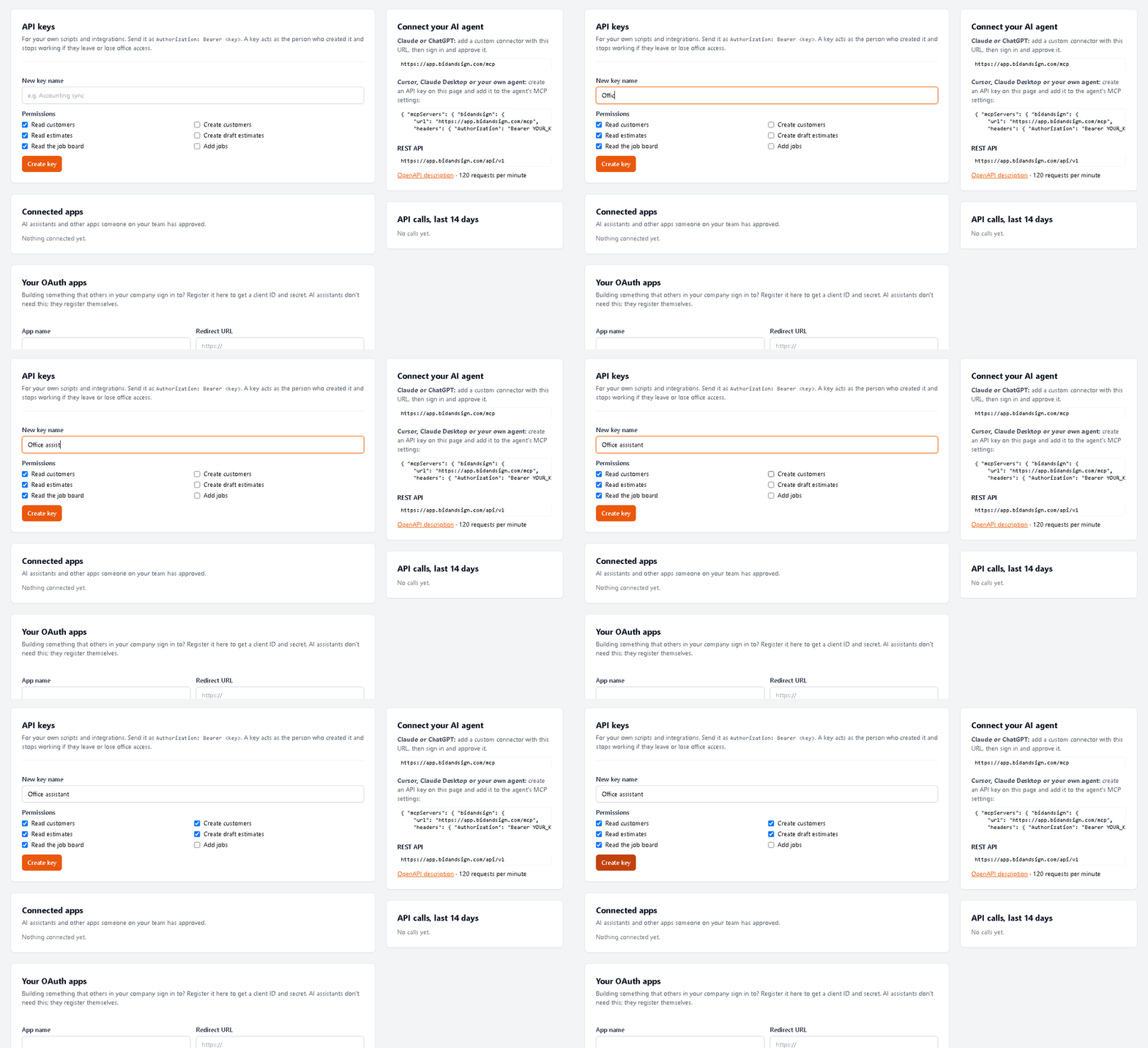
-
2Add it to your agent
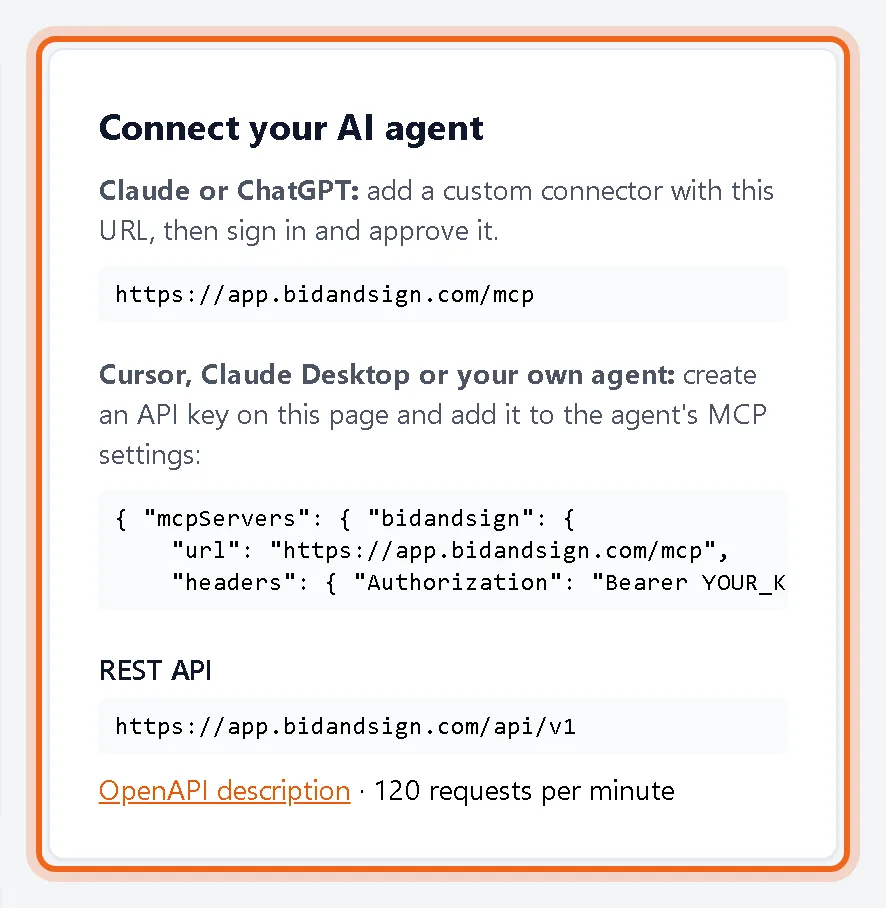
For Claude or ChatGPT, add a custom connector with the URL shown under Connect your AI agent, then sign in and approve it. For Cursor, Claude Desktop or your own agent, add the MCP settings shown with your key.
Good to know
- Agents can create draft estimates but never send them. You review and send.
- The REST API is at the same address with an OpenAPI description, limited to 120 requests per minute.
Questions
How do I cut off an agent?
Delete its key, or click Disconnect next to it under Connected apps.
Who can create keys?
Owners and admins.