Duplicate or revise an estimate after sending
Prices change and scopes grow. You can revise a sent estimate or start a new one from it.
Updated
-
1Duplicate
On the estimate page, click Duplicate. You get a new draft with a new number and the same customer, lines and terms.

-
2Or revise the original
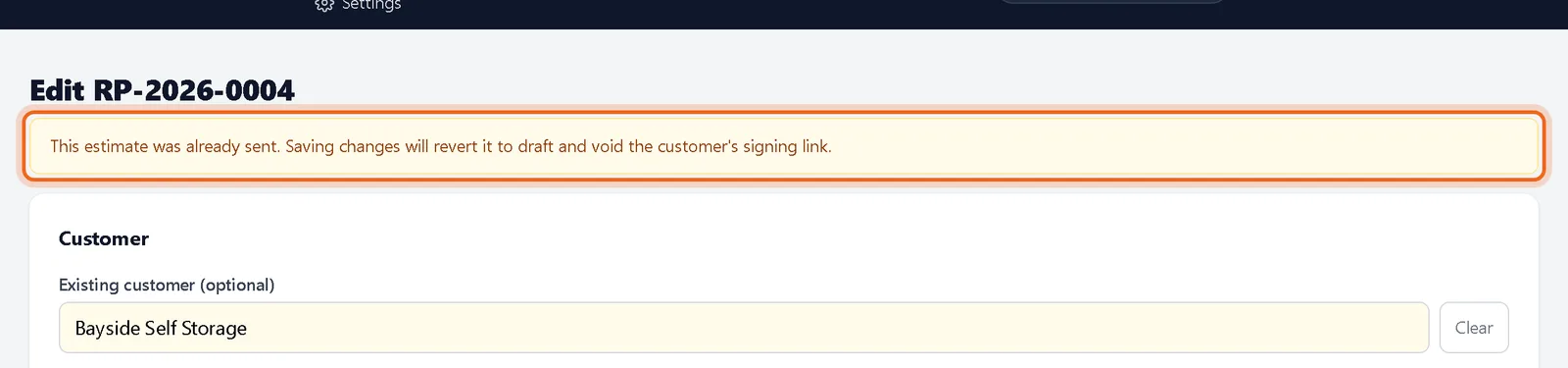
Open the editor on a sent estimate. A banner warns that saving moves it back to draft and voids the customer's link. Make your changes, save, and send again.
Questions
Can I edit a signed estimate?
No. A signed estimate is locked so it always matches what the customer signed. Duplicate it for a change order.