Send an estimate for eSignature
Sending emails your customer a branded message with a button to review and sign. There is nothing for them to download or install.
Updated
-
1Open the estimate and click Send
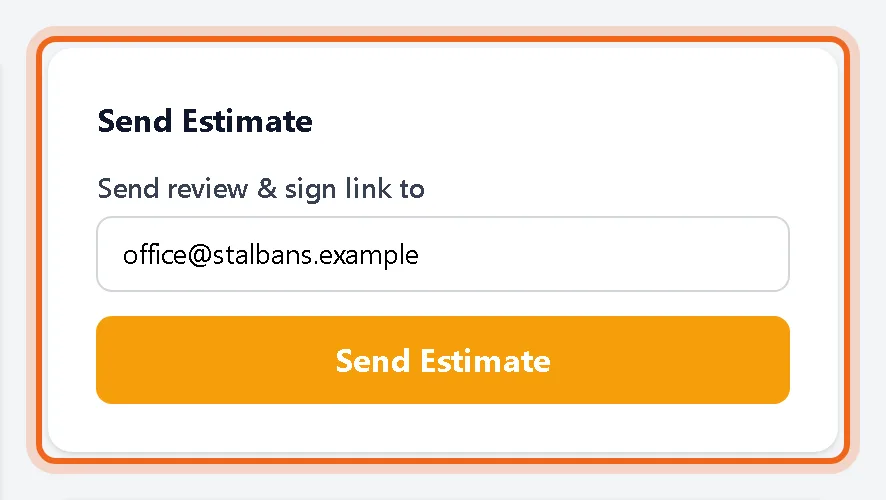
On the estimate page, check the address under Send review & sign link to and click Send Estimate. The status changes to sent.
Watch it 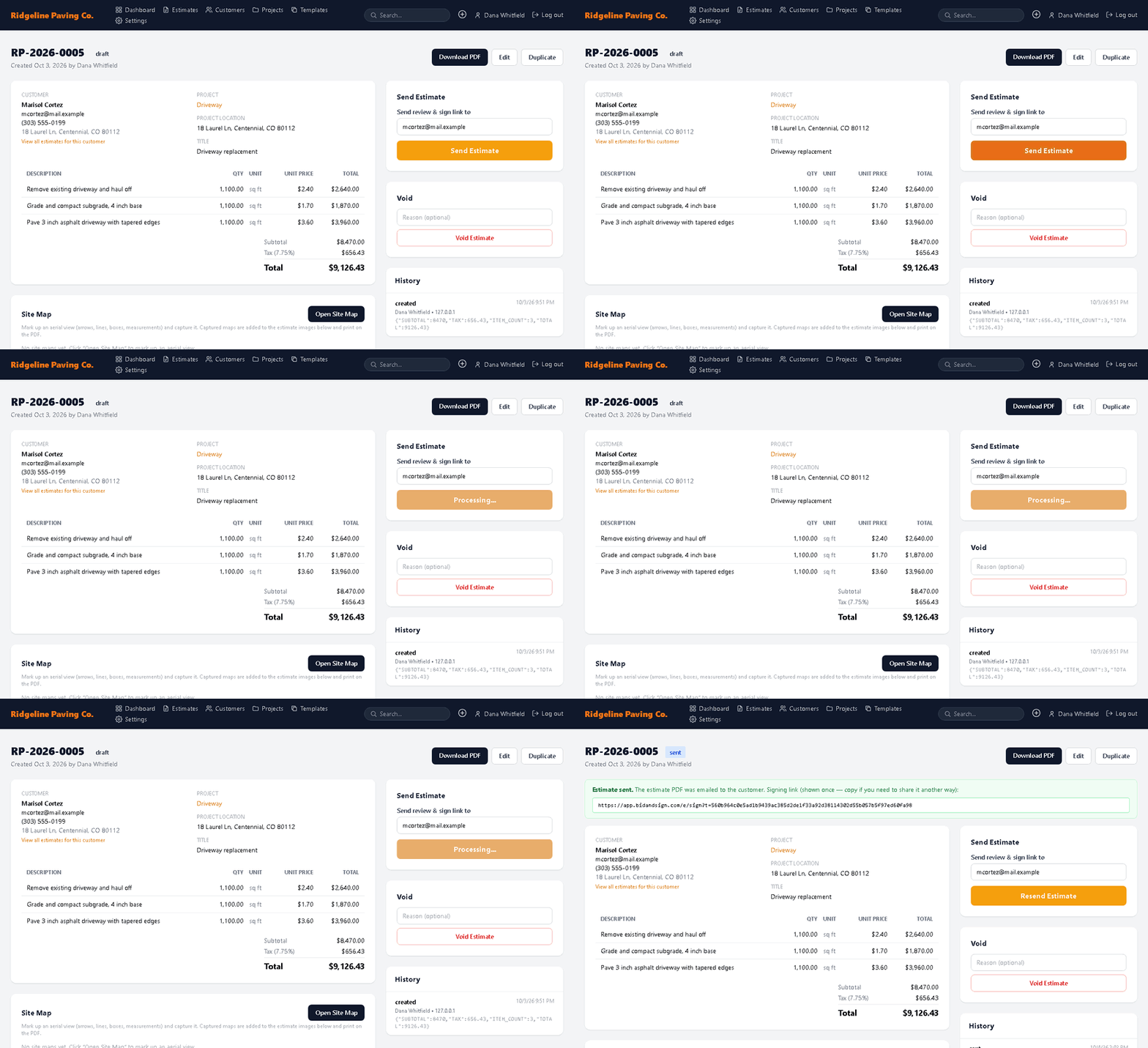
-
2Watch the email activity
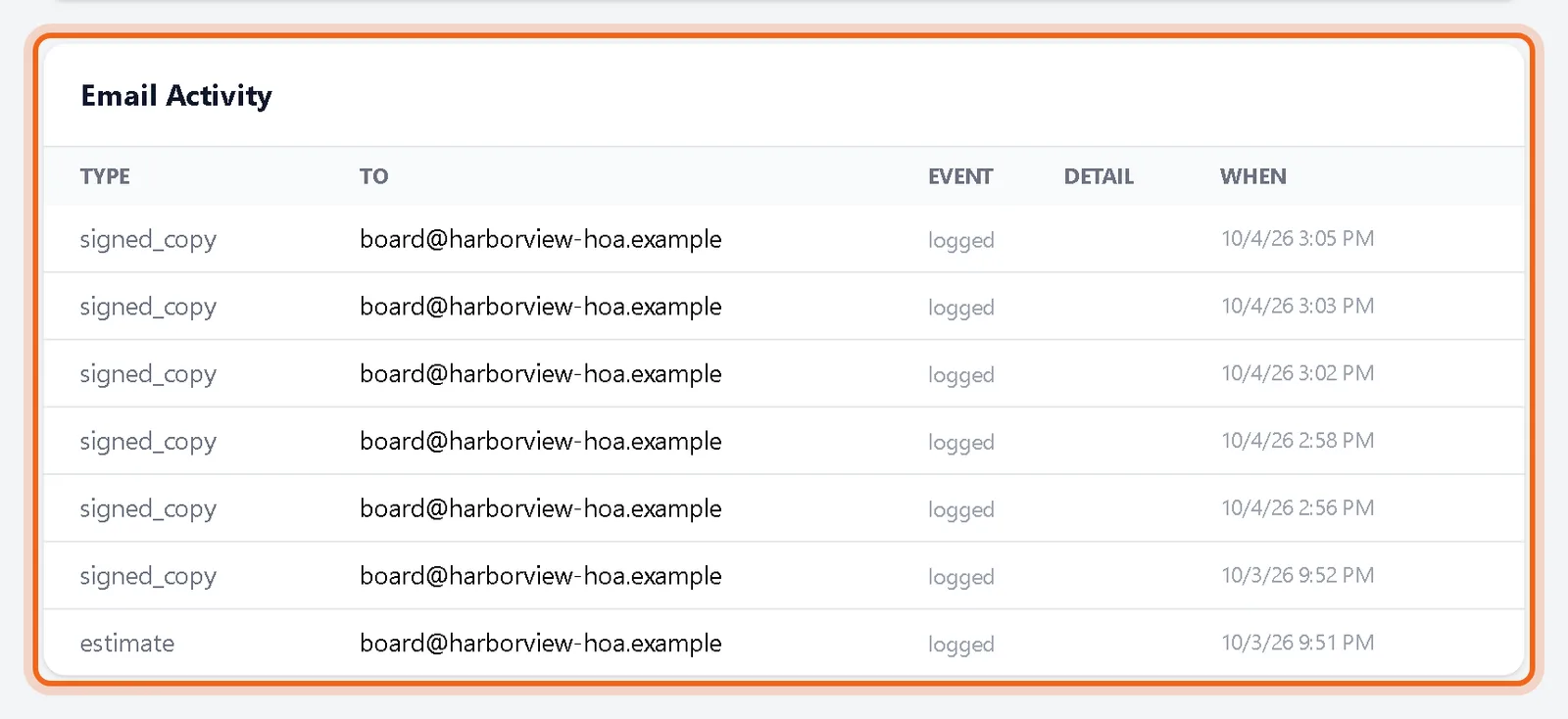
Email Activity lists every email for this estimate, including the signed copy sent after the customer signs.
Good to know
- Verify your email address first. Sending is turned on once your address is confirmed.
Questions
The customer lost the email. What do I do?
Click Resend Estimate. A new link is sent and the old one stops working.
Can I send to more than one person?
Send to the decision maker. They can forward the email, and the signature records who signed.