Add and find customers
Customers are created automatically when you save an estimate for someone new. You can also add them ahead of time.
Updated
-
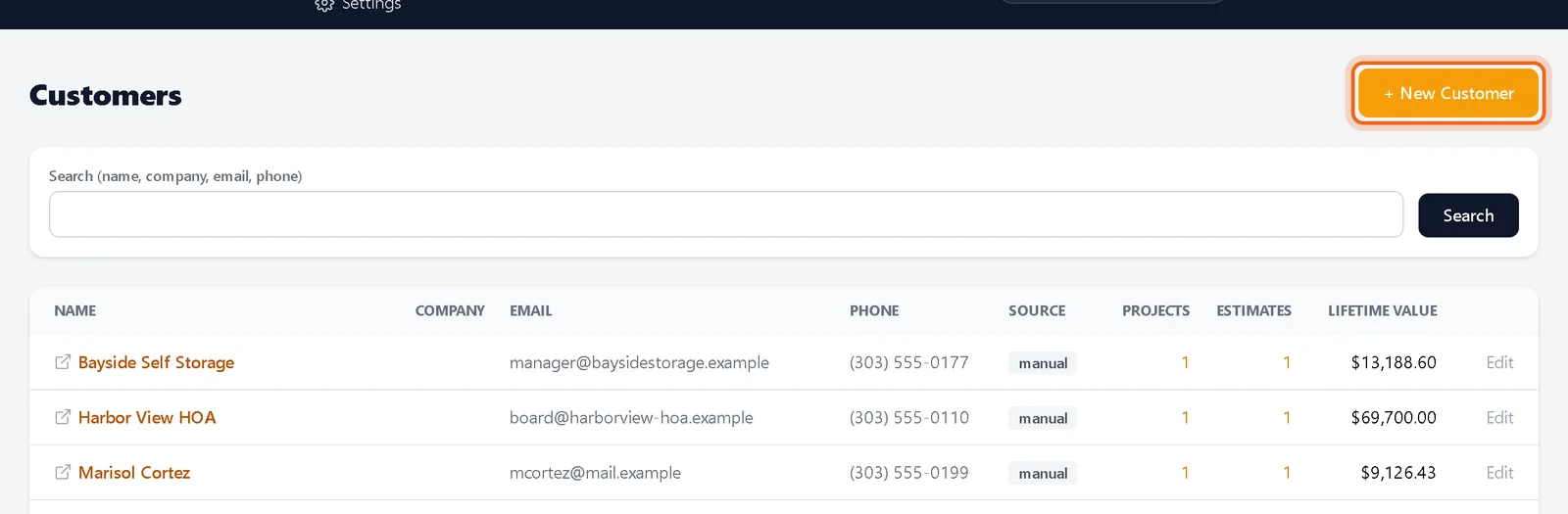
1Open Customers
Click Customers in the top menu, then + New Customer.
-
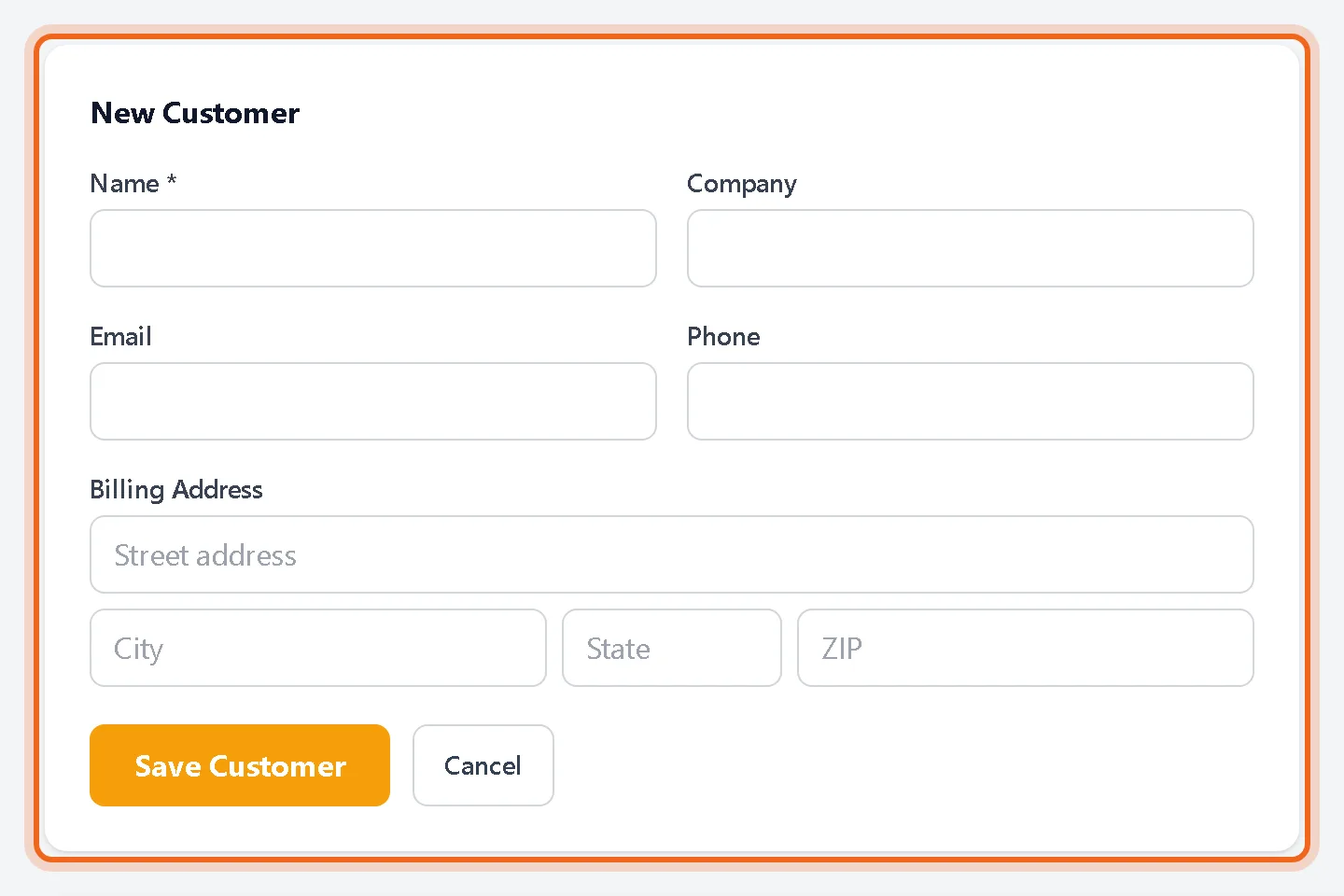
2Enter their details
Fill in the name, company, email, phone and address and save.
-
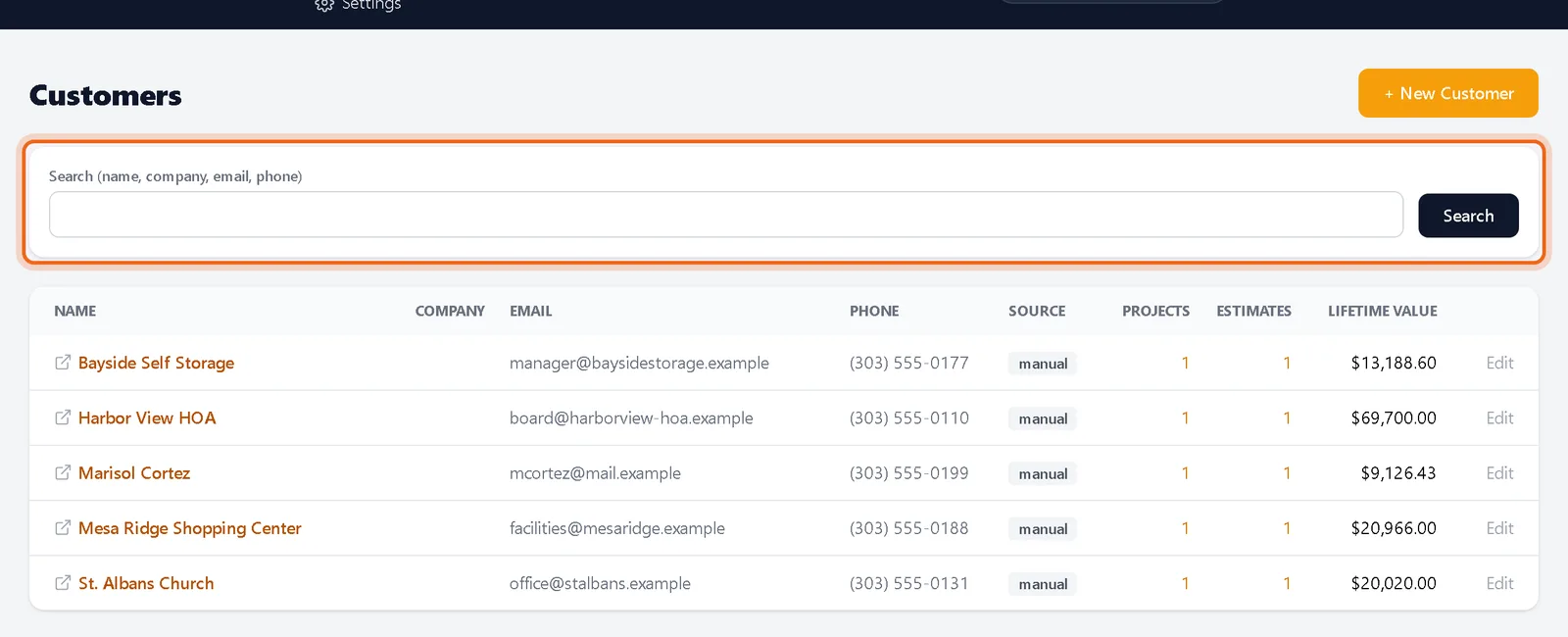
3Search
Type in the search box to filter by name, company, email or phone. Results update as you type.
Watch it 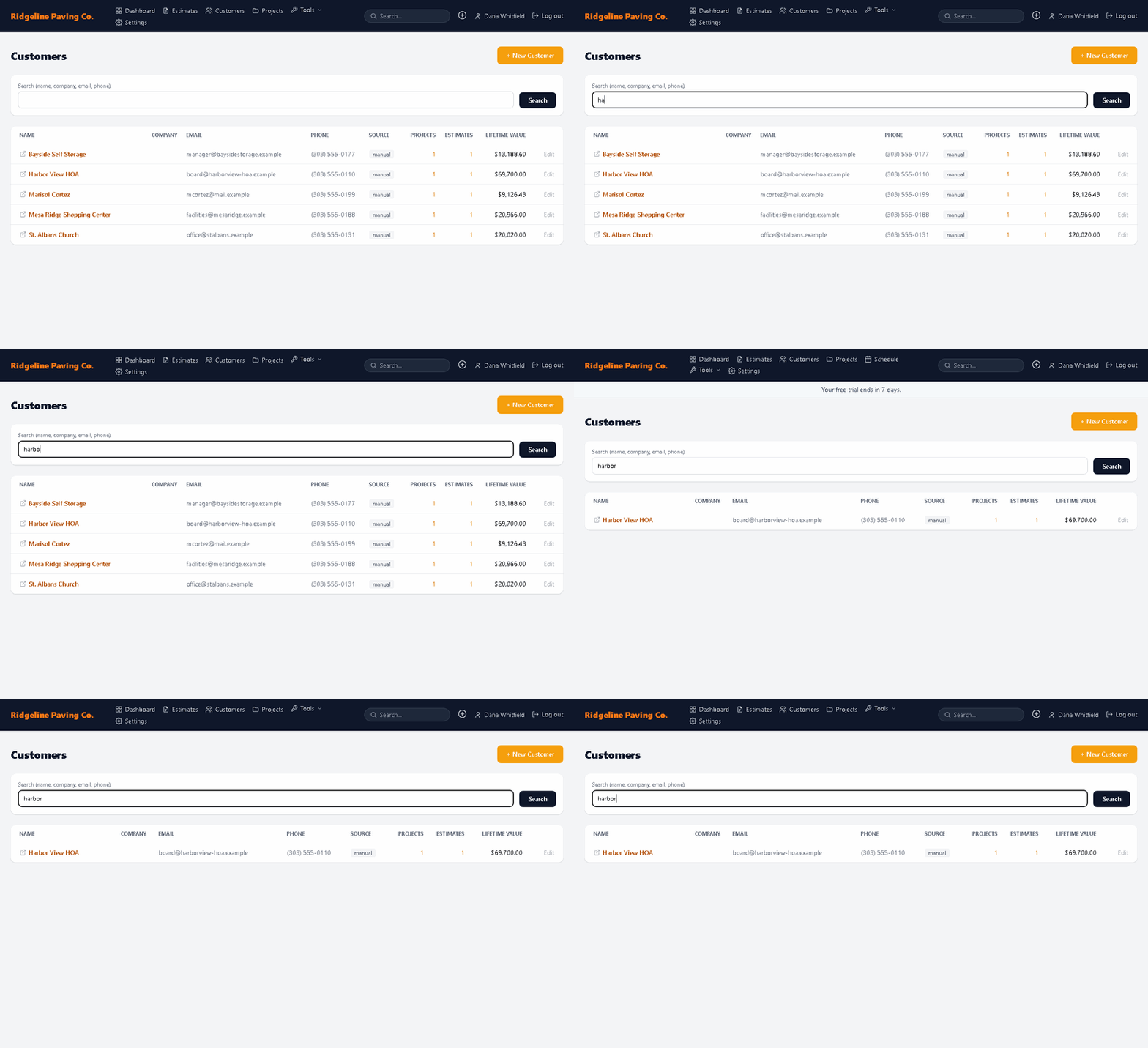
Questions
How do I see all estimates for one customer?
Click the customer to open their page, or use View all estimates for this customer on any of their estimates.