Attach photos, PDFs and aerial site maps
Pictures close jobs. Anything you attach prints on the PDF and appears on the page your customer signs.
Updated
-
1Mark up an aerial site map
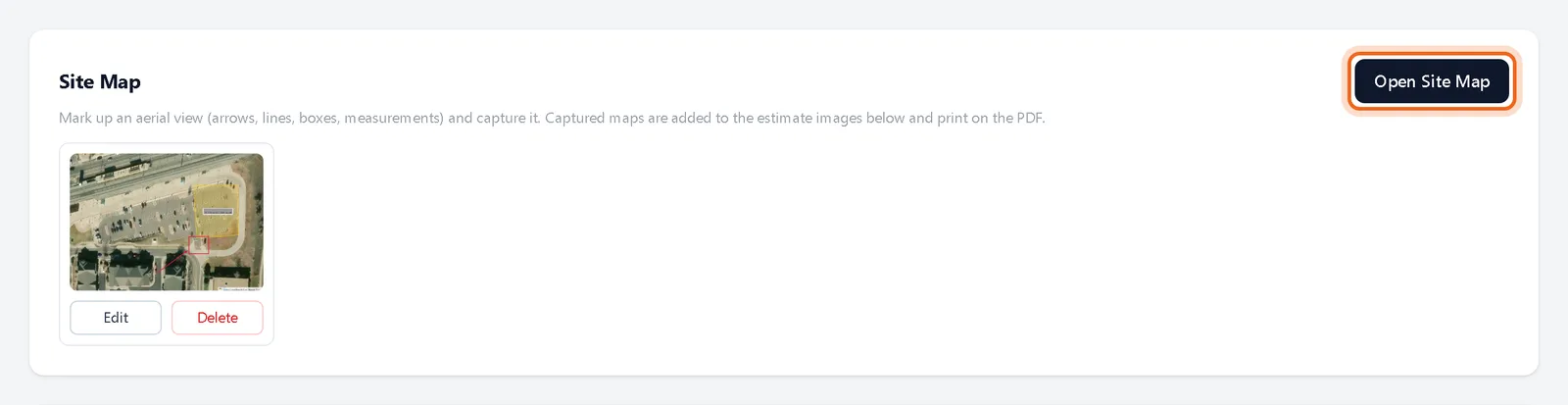
In the estimate editor, find Site Map and click Open Site Map. Draw lines, areas, boxes and measurements on the aerial view, then capture it. The map is added to the estimate images.
Watch it 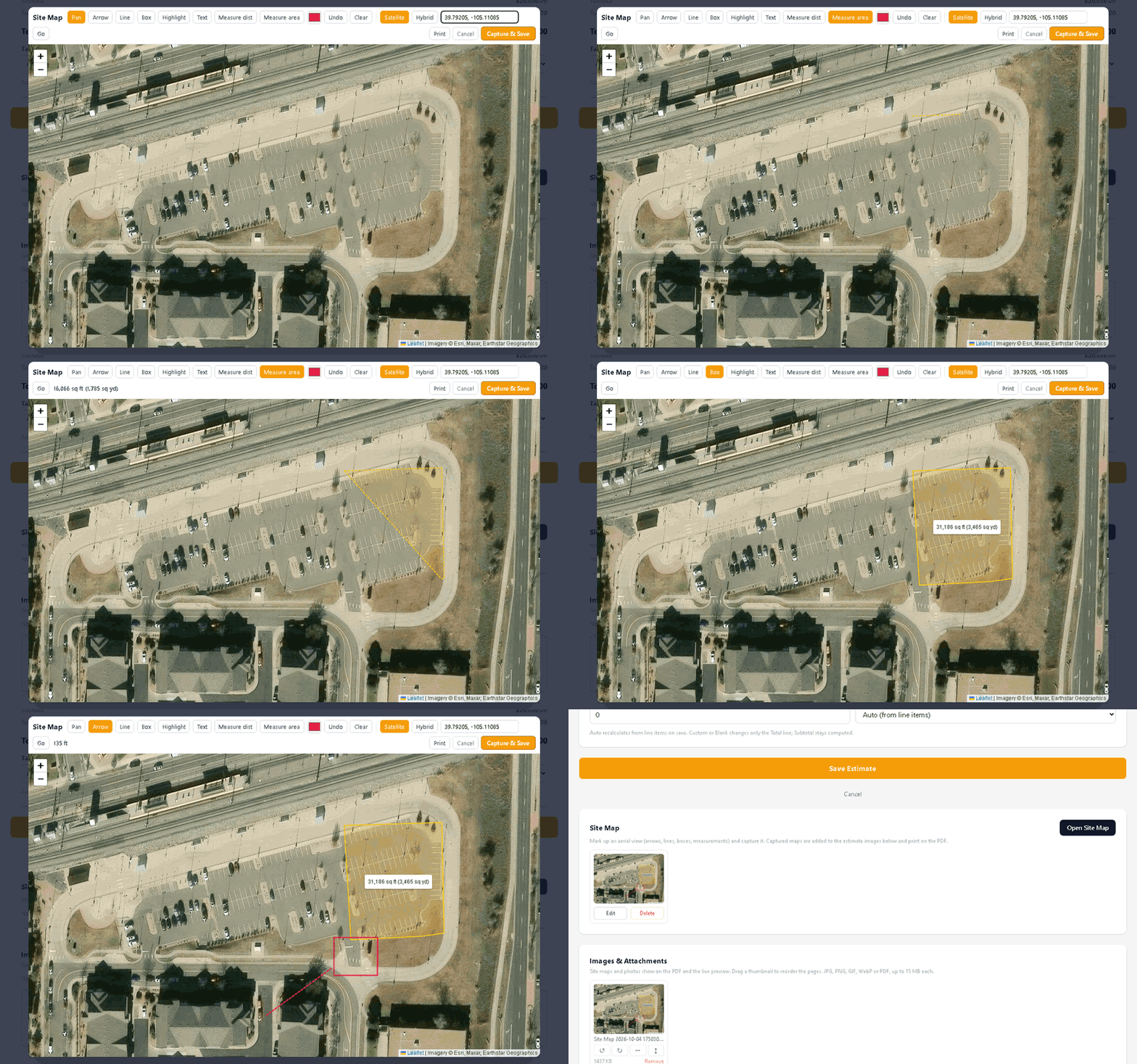
-
2Add photos and PDFs
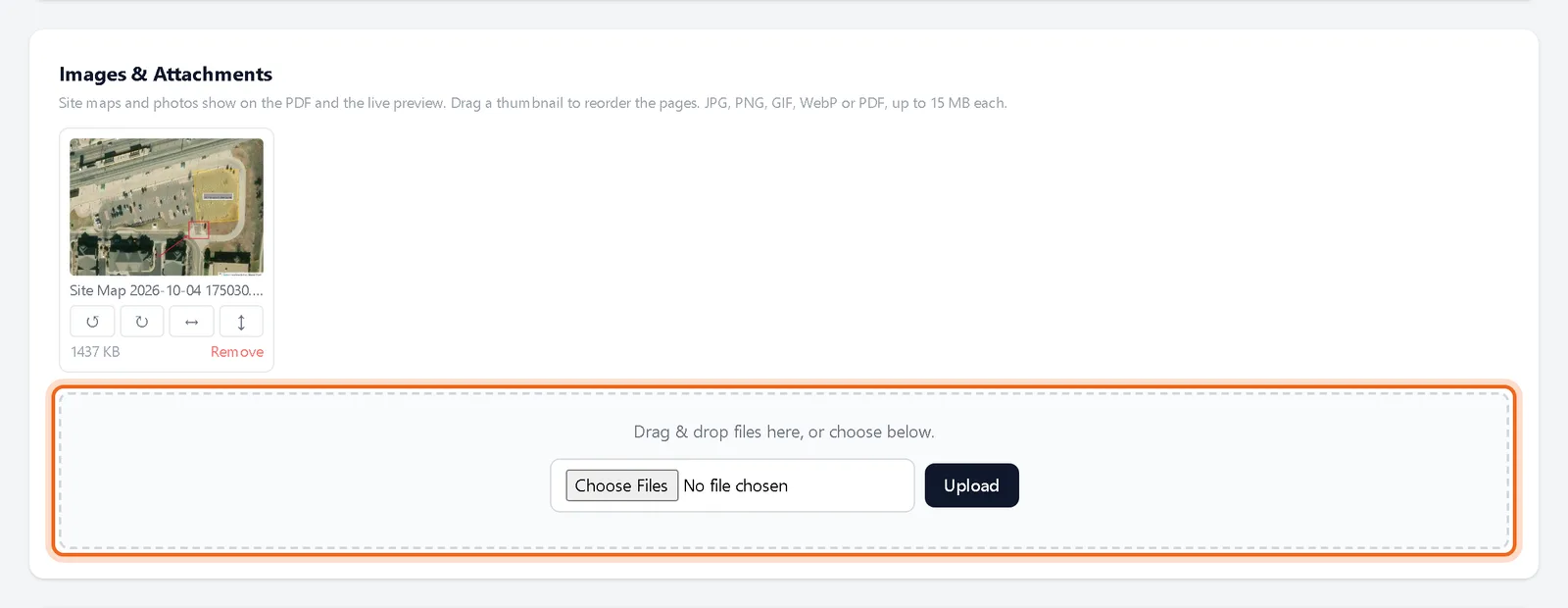
Under Images & Attachments, drag files in or choose them and click Upload. JPG, PNG, GIF, WebP and PDF files up to 15 MB each. Drag thumbnails to change their order.
Questions
Can I add attachments after sending?
Yes. Attachments added on the estimate page are included on the PDF and the sign page.