Save exclusions, conditions and terms as templates
Templates hold the fine print you repeat on every bid. Loading one copies the text into the estimate, so later edits to the template never change a bid you already sent.
Updated
-
1Create a template
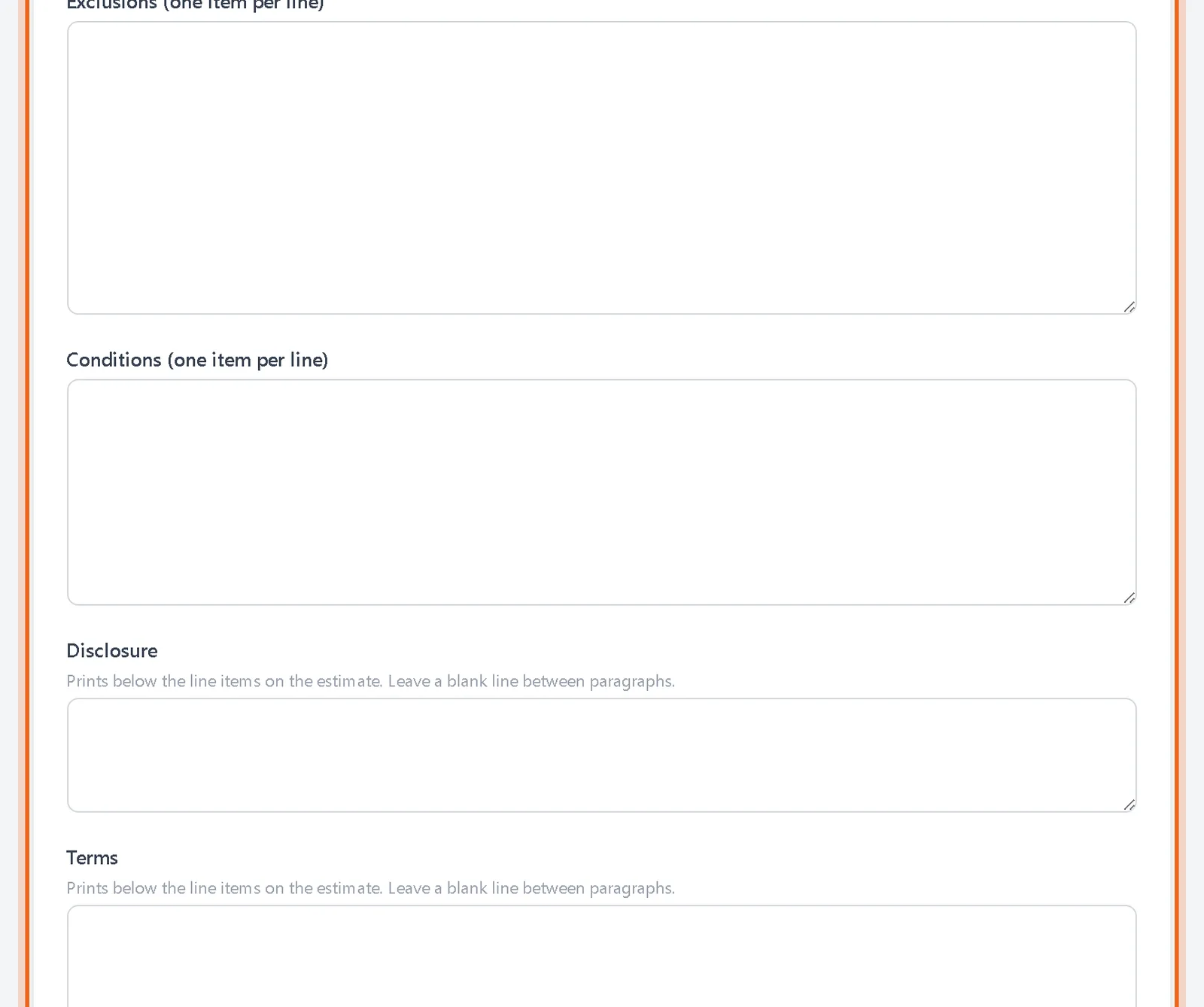
Open Tools, then Templates. Give it a name, enter exclusions and conditions one per line, add a disclosure and terms, and click Save Template. Check Default for new estimates to load it automatically.
-
2Keep a few versions
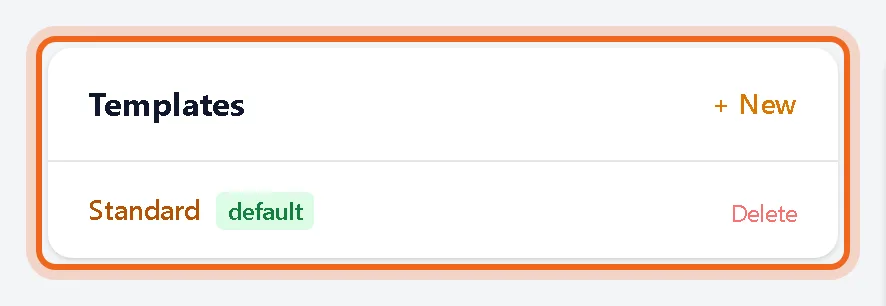
Make one template per kind of job. They are listed on the same page.
-
3Load it into an estimate
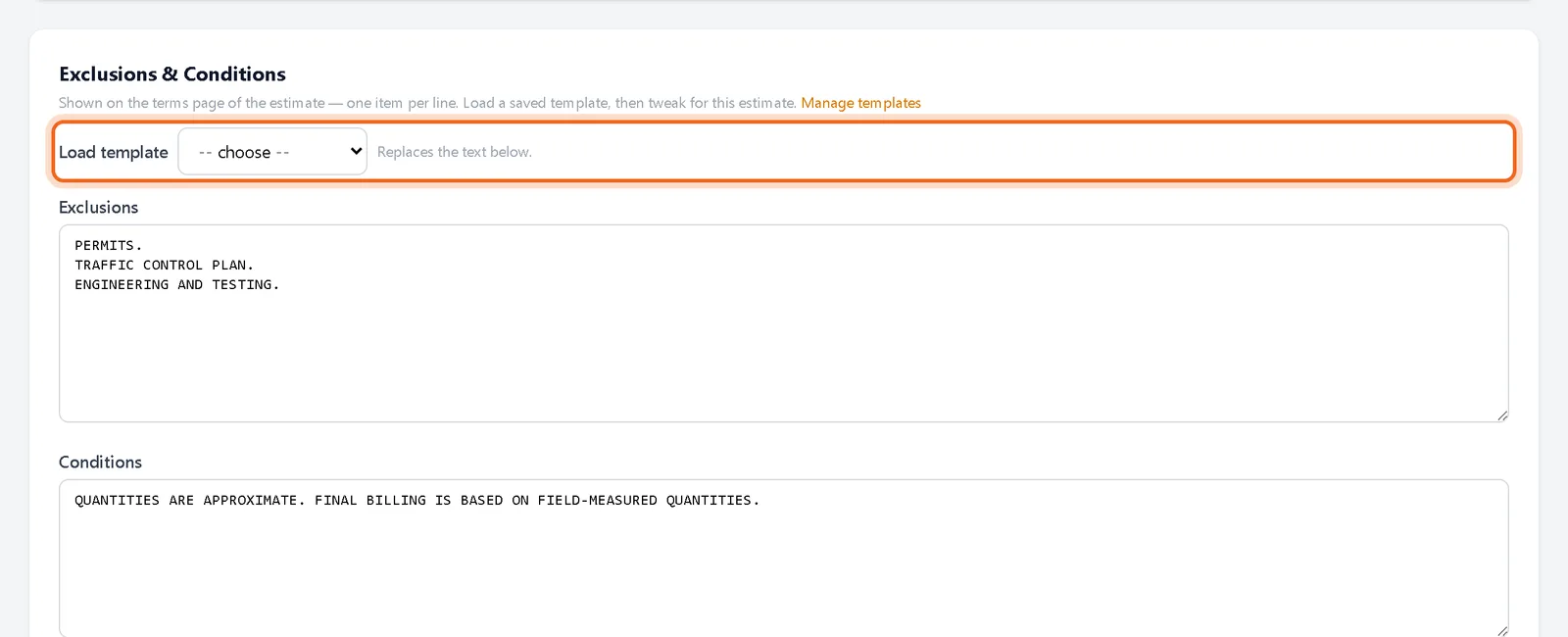
In the estimate editor, under Exclusions & Conditions, pick a template from Load template. Then tweak the text for this job.
Watch it 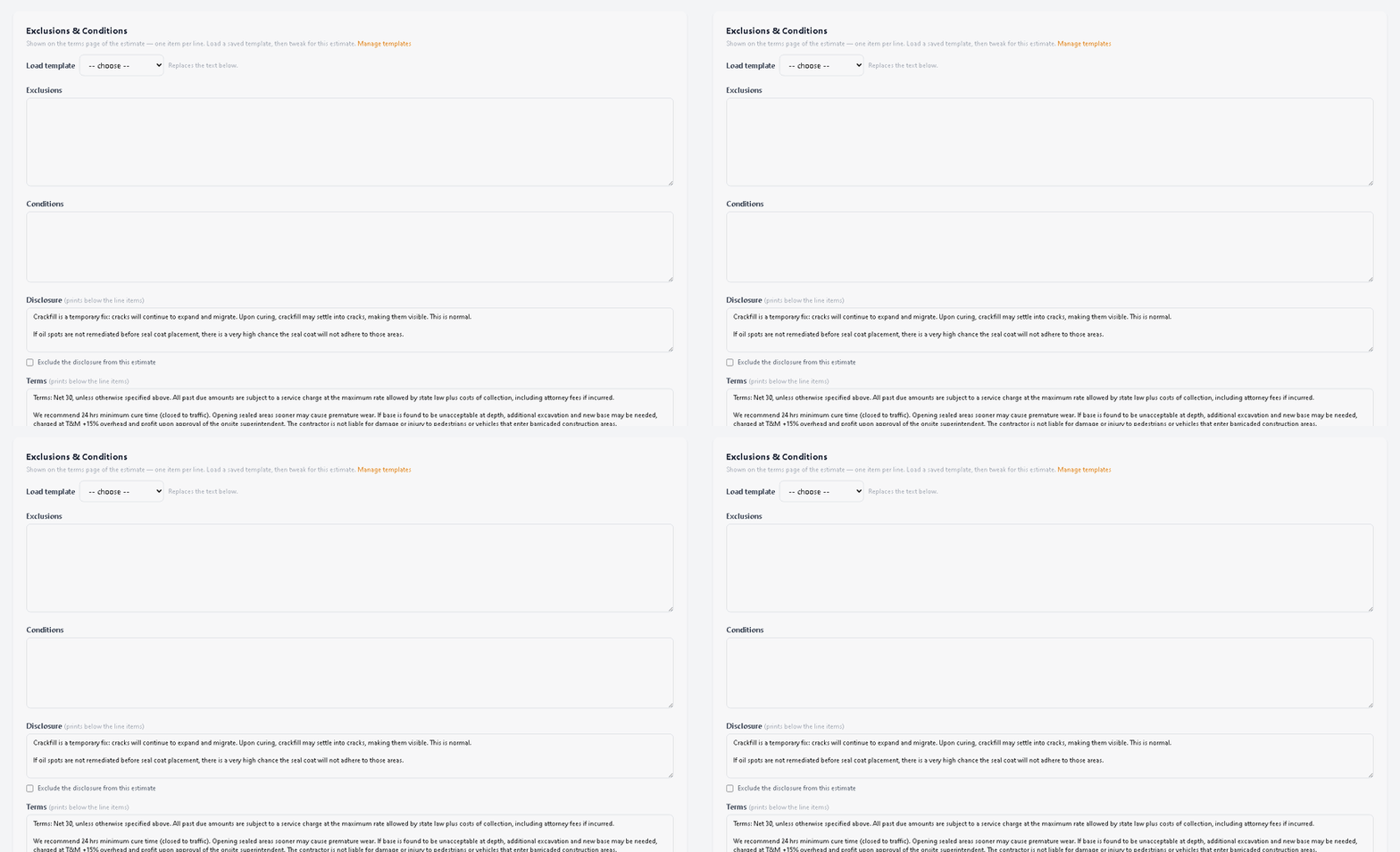
Questions
Where does this text print?
Exclusions and conditions print on the terms page. Disclosure and terms print below the line items.