Invite your team and choose their roles
Everyone signs in with their own email and password, so the history on each estimate shows who did what.
Updated
-
1Open Settings, then Team
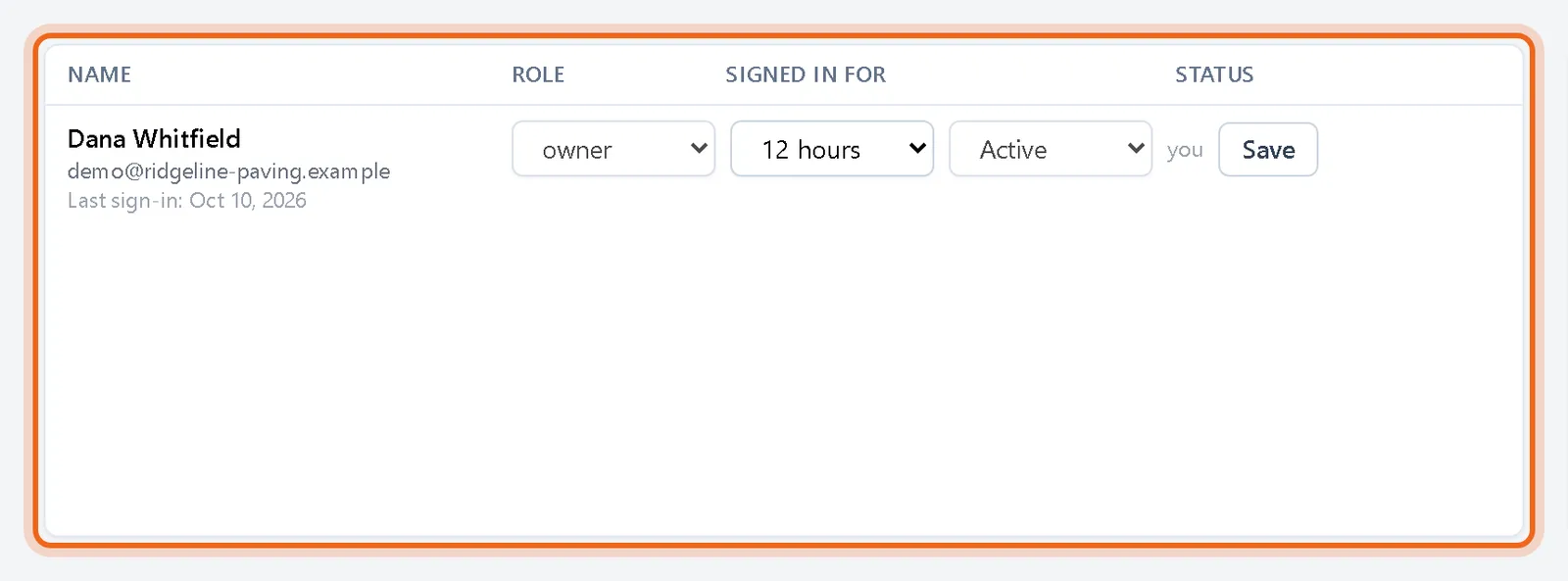
The Team tab lists everyone in your company with their role, how long they stay signed in and whether they are active.
-
2Send an invitation
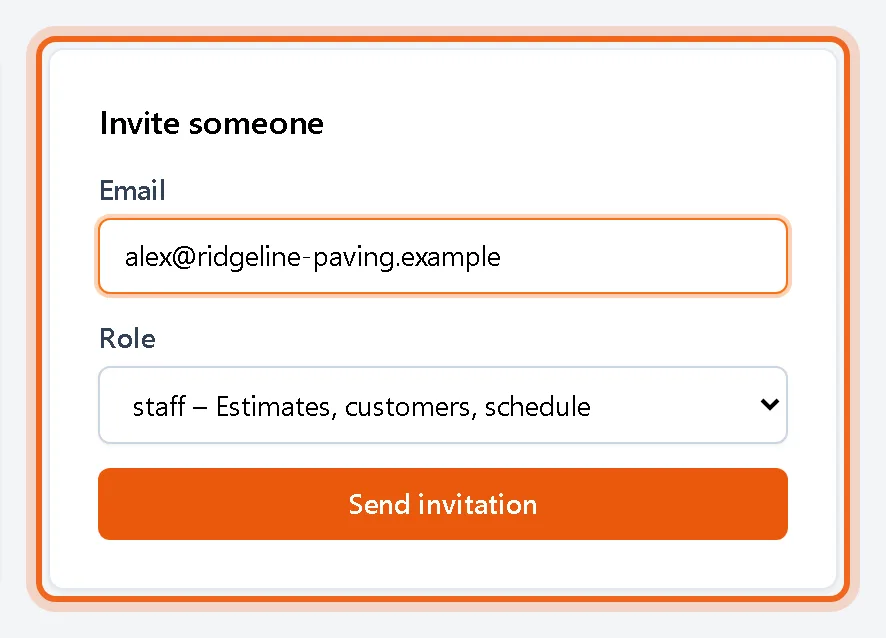
Under Invite someone, enter their email, pick a role and click Send invitation. They get an email with a link to set their password.
Watch it 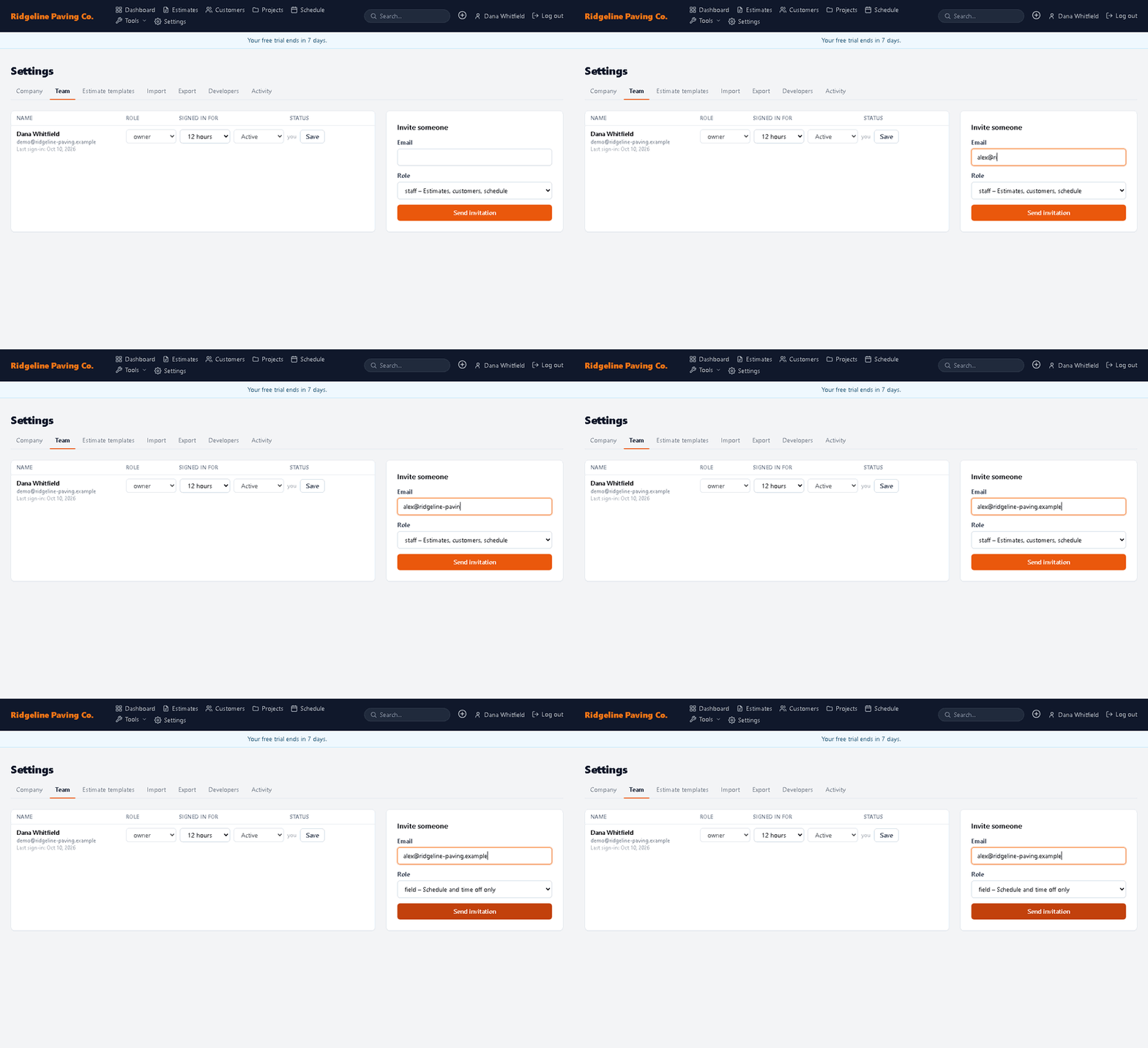
Good to know
- Owner and Admin can do everything except that only owners manage other owners and billing. Staff build estimates and manage customers. Field and Viewer are limited roles for crew members.
Questions
How do I remove someone?
Set their status to Deactivated on the Team tab and click Save. They can no longer sign in, and their history stays on the estimates they touched.
Do invitations expire?
Yes, after 7 days. Send a new invitation from the same form.