Offer options and add ons your customer can pick
Instead of sending three versions of the same bid, send one estimate with choices. The total updates for the customer as they pick.
Updated
-
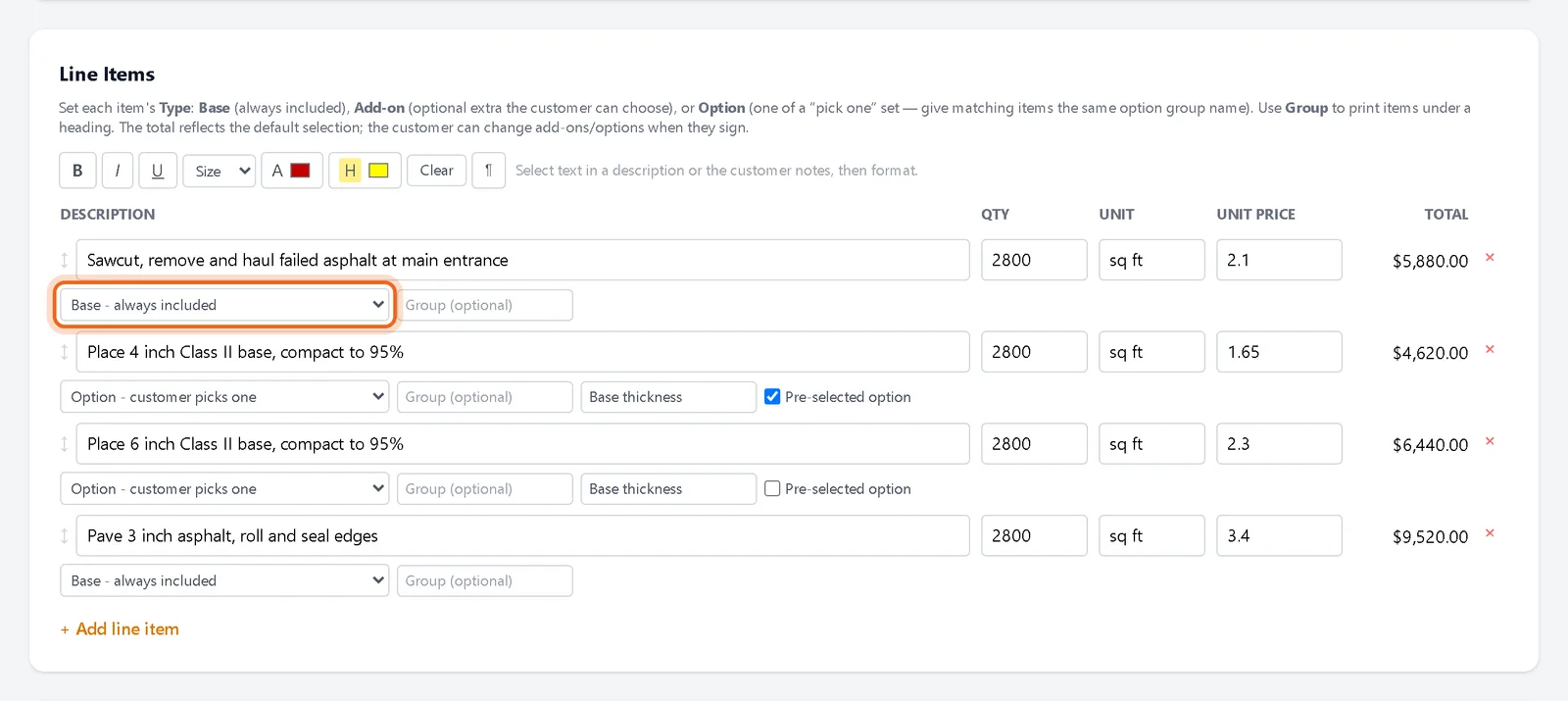
1Set each line's type
Under each line item there is a type menu. Base is always included. Add on is an optional extra the customer can check. Option is one of a set where the customer picks one.
-
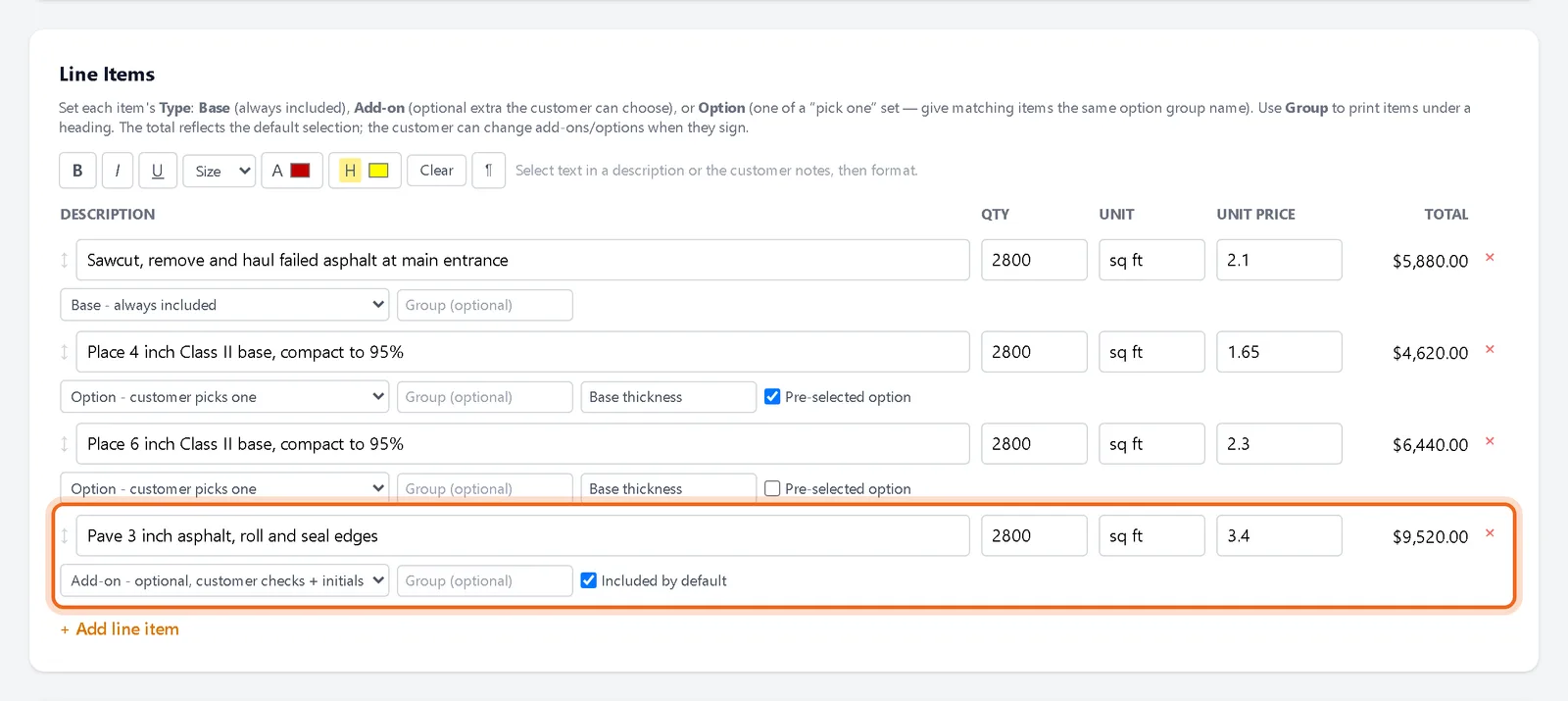
2Make a line optional
Change a line to Add on. Decide if it is included by default. For options, give the lines in the same set the same option group name.
Watch it 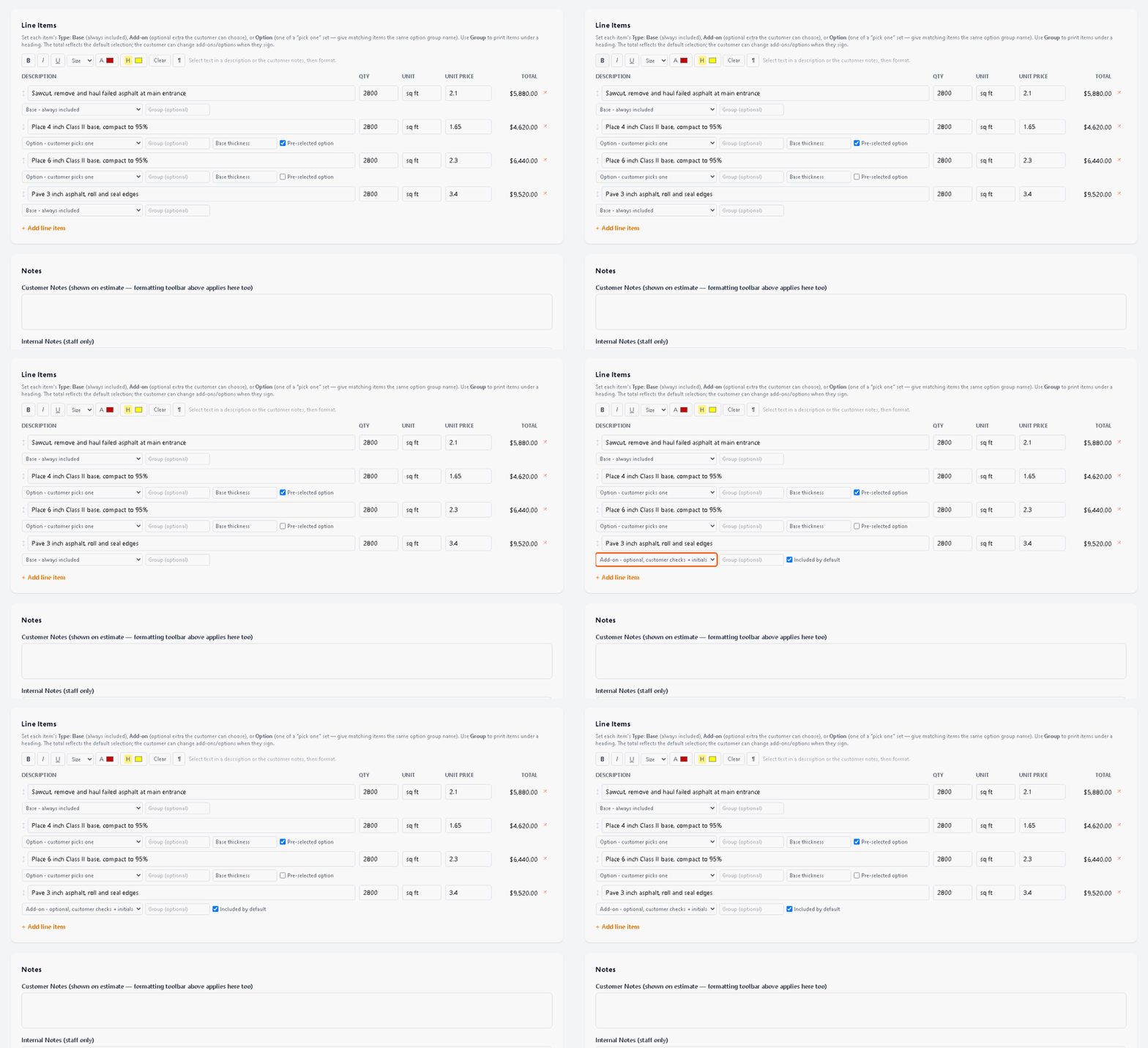
-
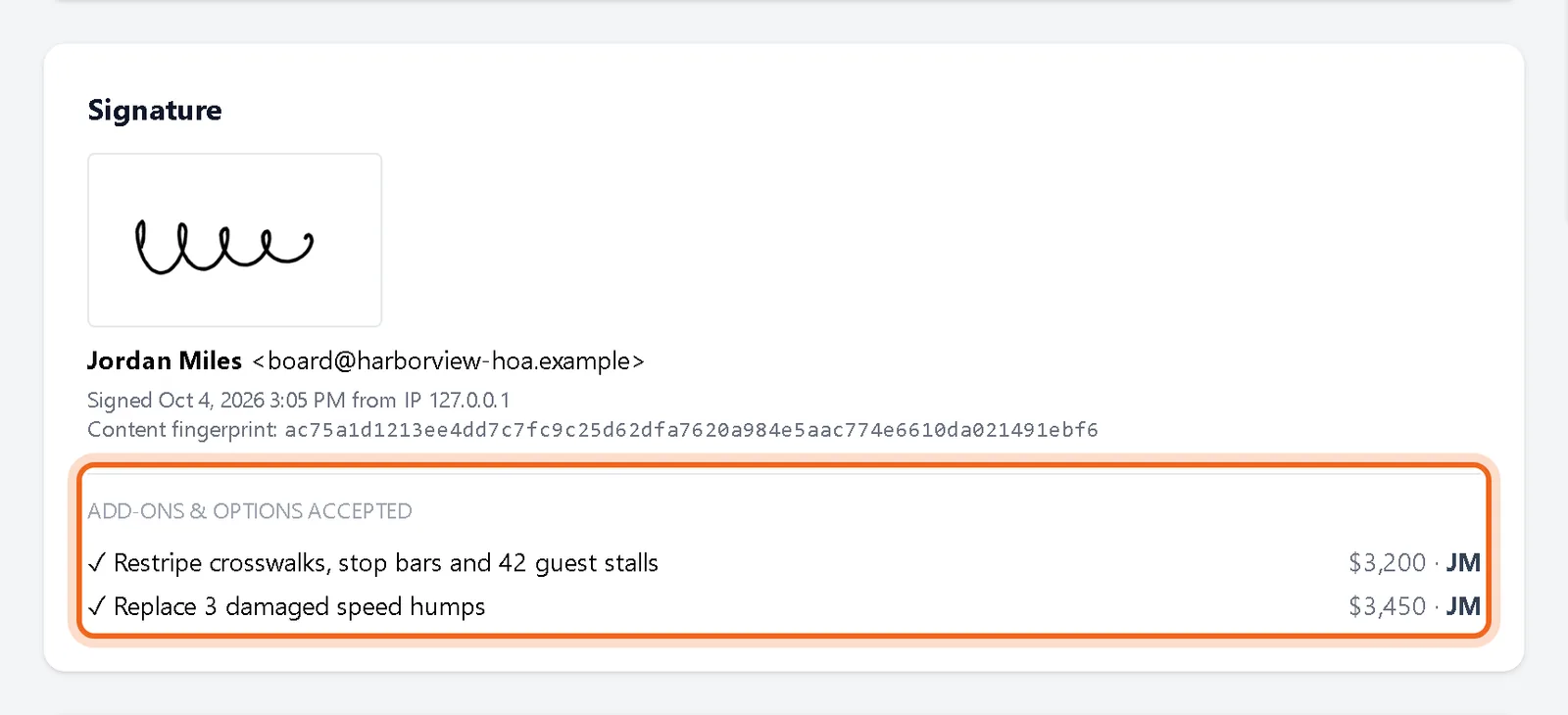
3See what they picked
When the customer signs, the estimate shows every extra and option they accepted with their initials.
Good to know
- Use Group to print related lines under a heading with a subtotal.
Questions
What total does the customer see first?
The total of base lines plus anything you marked as included by default. It changes as they check boxes.