Run reports and export to CSV
Reports are filtered lists you can export. Use them for pipeline reviews, commissions or your accountant.
Updated
-
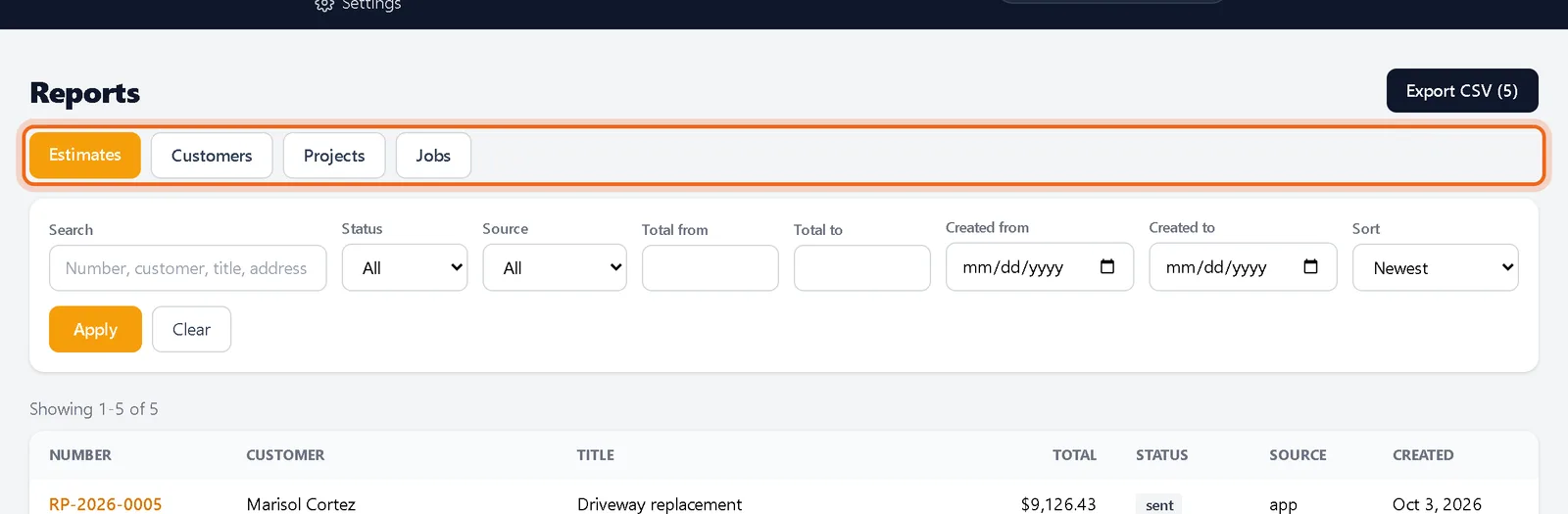
1Pick a report
Open Tools, then Reports, and choose a tab.
-
2Filter it
Search, pick a status or source, set total and date ranges, choose a sort and click Apply.

Watch it 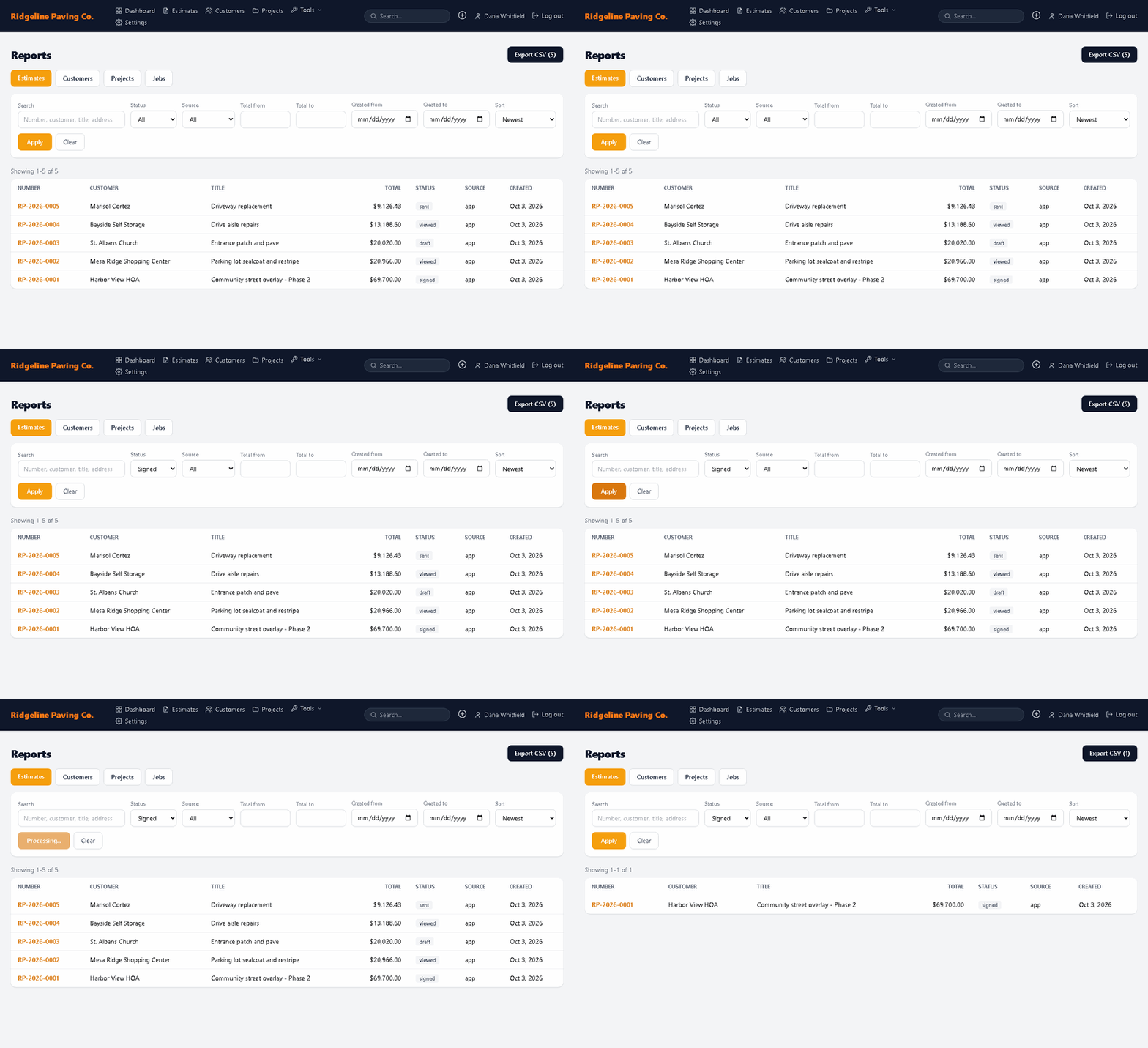
-
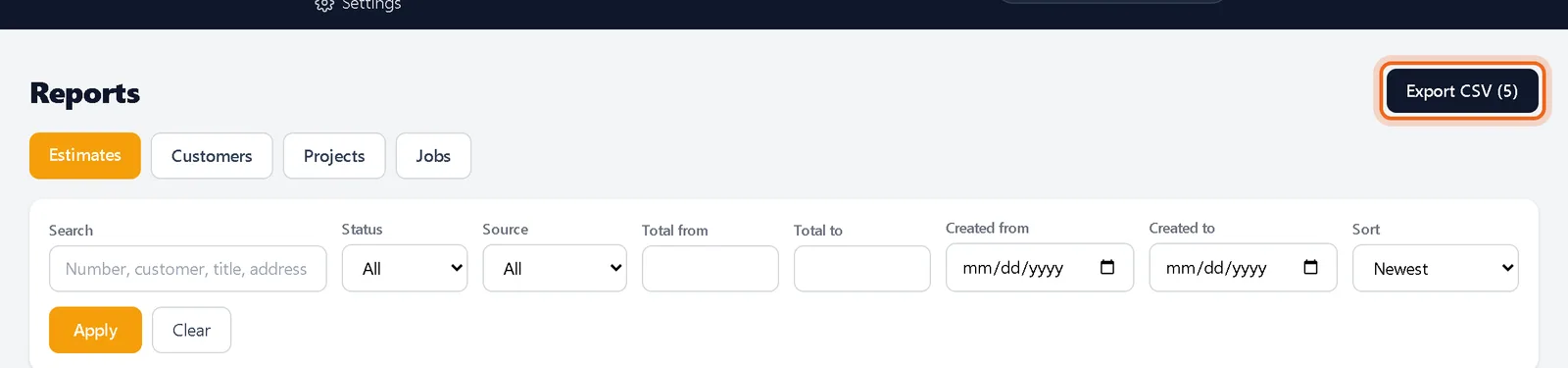
3Export
Click Export CSV. The file contains the rows that match your filters.