Use the guides inside the app
The first time you open a page, a short guide points out what matters there. You can close it at any time and replay it later.
Updated
-
1Find the question mark
On pages that have a guide, a ? appears in the top bar next to the plus button.

-
2Pick a guide
Click it to see the guides for the page you are on, then pick one to start it.
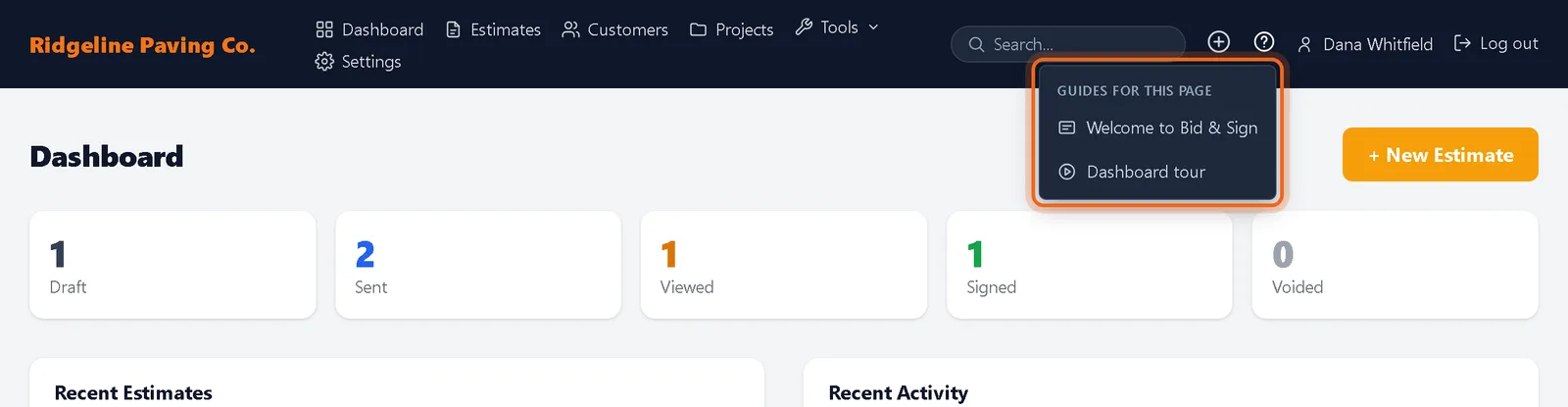
-
3Step through
Use Next and Back, the dots, or your arrow keys. Press Esc or the close button to stop.
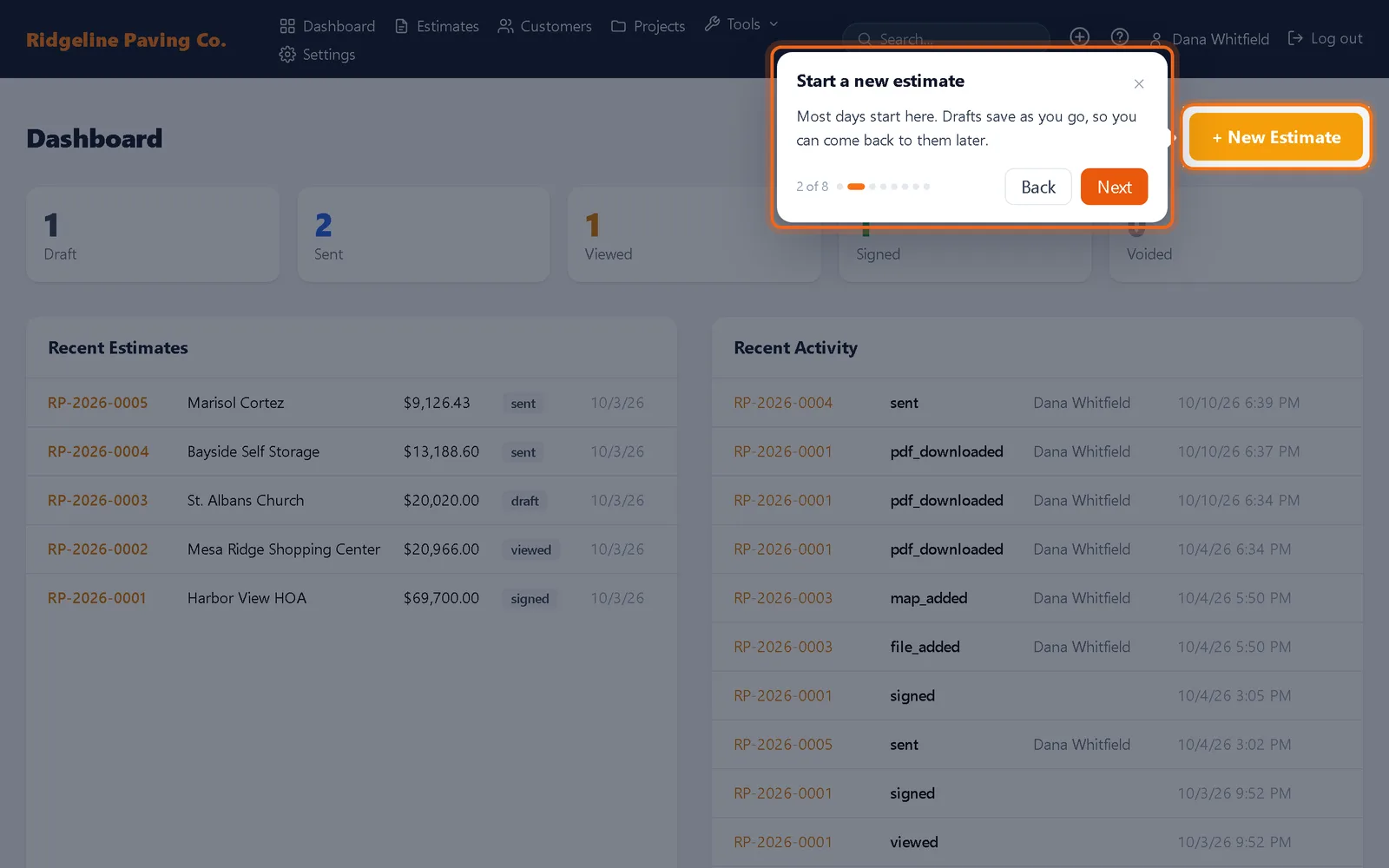
Watch it 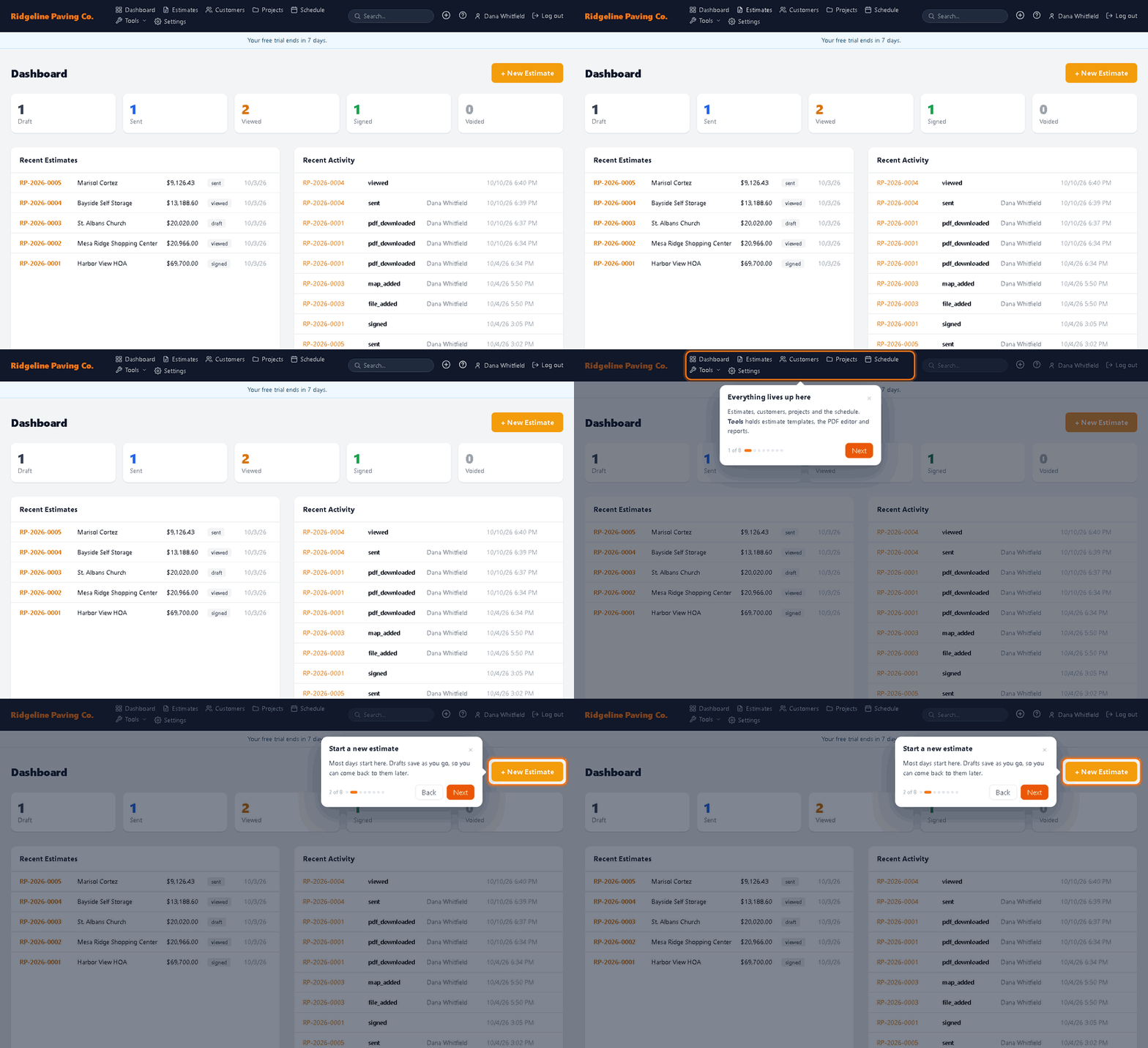
Questions
Will a guide show again after I close it?
No. Each guide shows by itself once. Replay it any time from the question mark menu.