After an estimate is signed
The status turns to signed and your company email and the estimate's author get a notice. The estimate is locked so it always matches what was signed.
Updated
-
1Review the signature
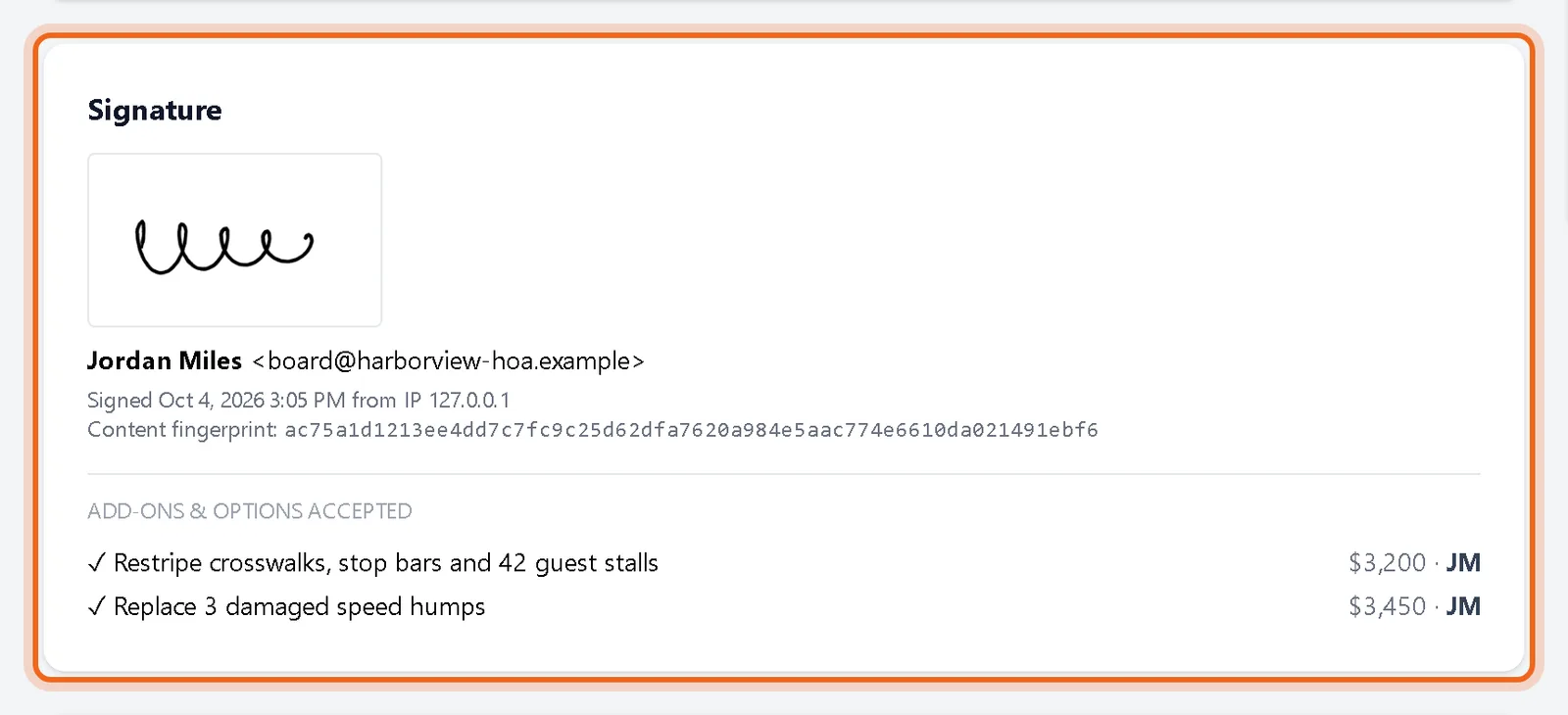
The estimate page shows the signature, who signed, when and from where, a document fingerprint, and every extra they accepted with their initials.
Watch it 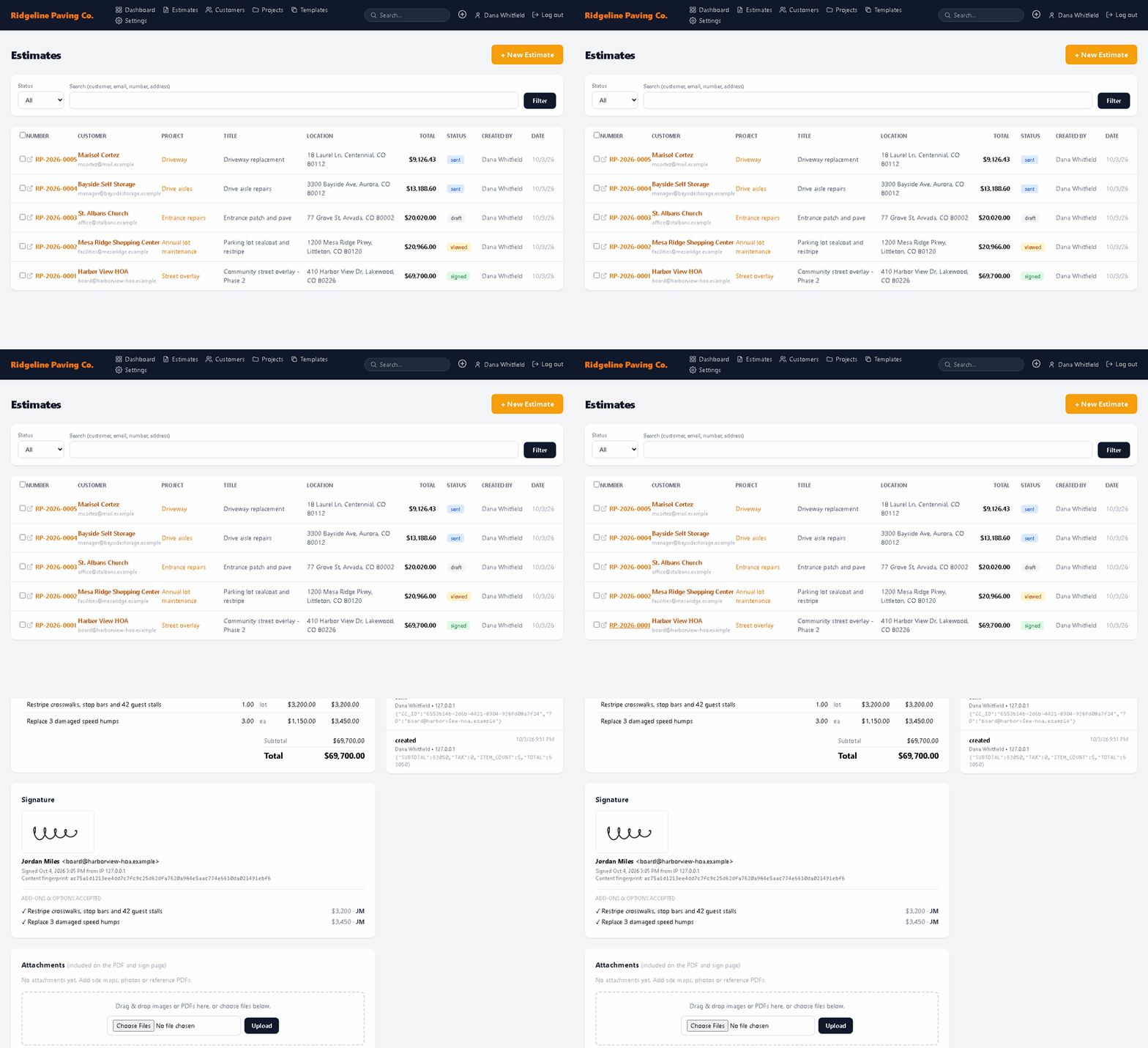
-
2Download the signed PDF
Click Download PDF. If the scope changes later, use Add change order in the Contract box instead of editing the estimate.
